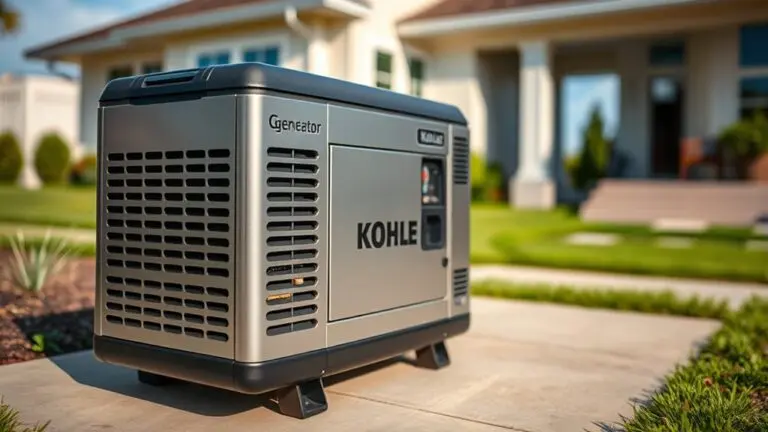
How To Reset Kohler Generator After Maintenance – Pro Tips
Before resetting your Kohler generator after maintenance, perform thorough safety checks. Make sure the oil, coolant, and battery connections are all in good condition.
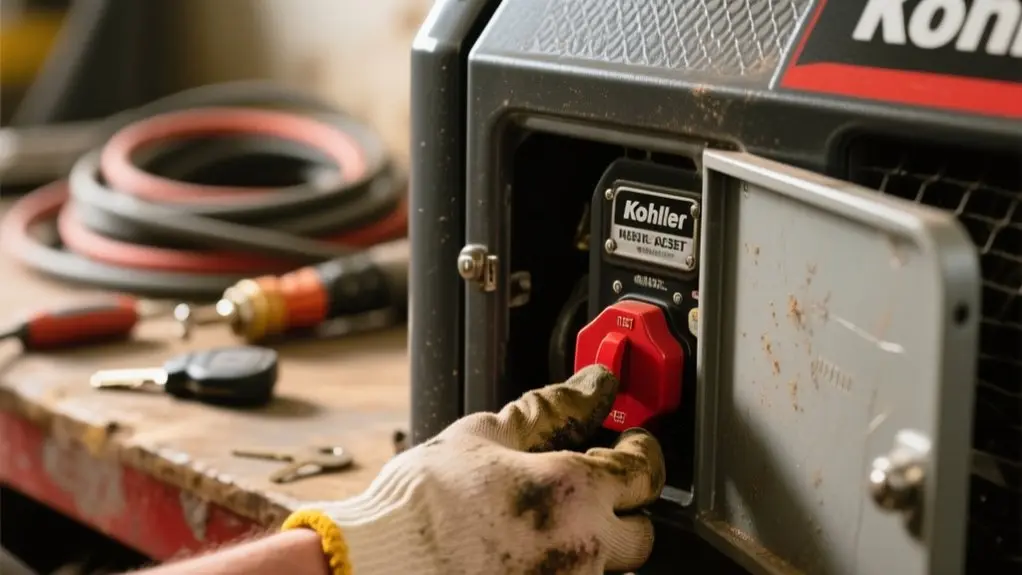
Power off the generator by switching the circuit breaker off and pressing the control panel’s off button. Then, open the generator door with the key or screwdriver.
Next, reset the control panel via the menu and cycle the circuit breaker off and on. After restarting, monitor the outputs for stability.
Following these steps will help you maintain peak performance and avoid common issues. More detailed guidance can further refine the process.
Complete Safety Checks Before Resetting Your Kohler Generator
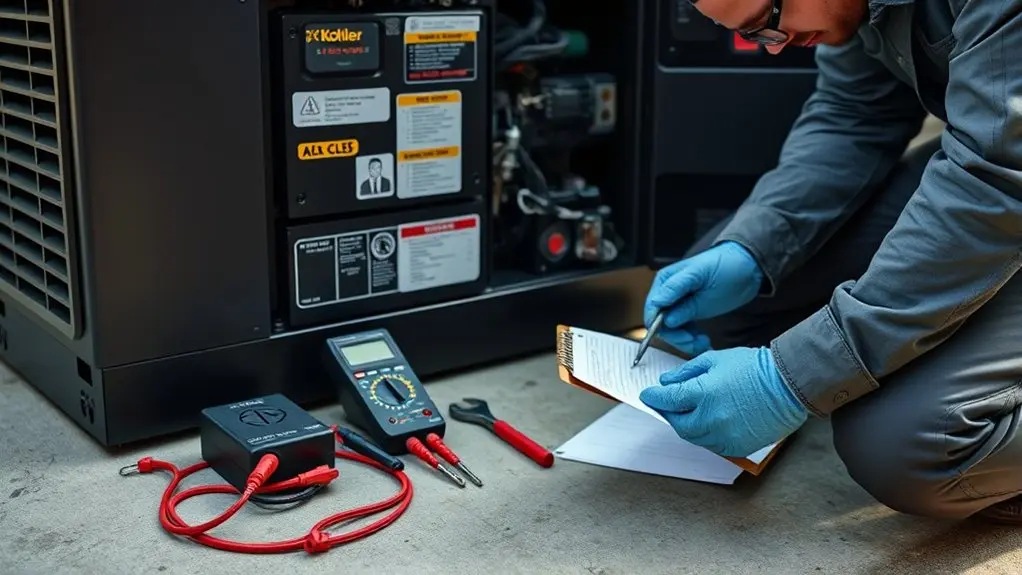
Before resetting your Kohler generator, perform a thorough safety check to ascertain ideal operation and prevent damage.
Begin by verifying the generator is positioned in a safe location, free from obstructions or debris that could interfere with function.
Next, inspect the circuit breaker and verify it’s switched to the “off” position to avoid accidental startup during the reset.
Conduct a detailed inspection of the battery connections, checking for corrosion and confirming all terminals are tight and secure.
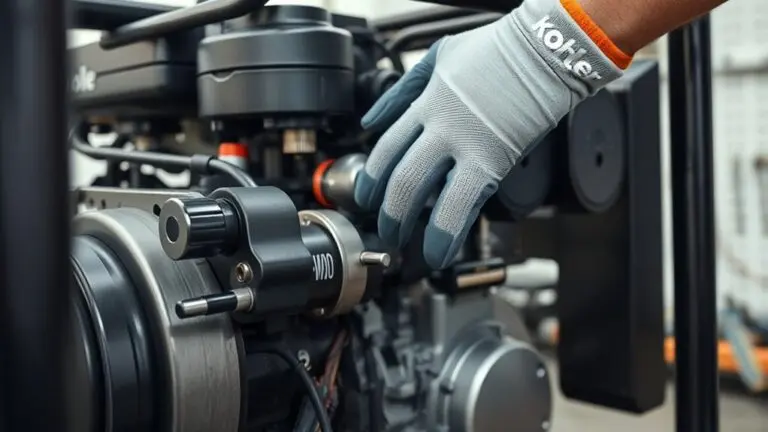
Measure oil levels using the dipstick, confirming they fall within the recommended range, and assess coolant levels to ensure they’re adequate with no leaks in hoses.
These essential safety checks optimize maintenance outcomes and prepare your generator for a successful reset.
Power Off Your Kohler Generator Before Reset
Before you reset your Kohler generator, make sure to power it off first. You can do this by switching the circuit breaker to the “off” position and pressing the “off” button.
Next, disconnect all electrical loads and give the unit some time to cool down. This helps prevent any hazards while you’re resetting it.
Also, it’s a good idea to follow the specific shutdown instructions for your model. Doing so will help you handle the generator safely and securely.
Proper Shutdown Procedure
When you need to reset your Kohler generator, start by flipping the circuit breaker to the “off” position to disconnect the unit safely from the electrical system. This step confirms you properly power off the generator.
Next, press the off button on the control panel to complete the shutdown. Allow the generator to cool down for several minutes before proceeding with any Kohler generator maintenance or reset tasks.
If the generator has been submerged in water, power it off immediately if it’s safe to access, as part of the proper shutdown procedure.
Only after powering off and completing all necessary maintenance tasks should you proceed with the reset.
Following these steps guarantees superior generator performance and prevents damage during maintenance.
Safety Precautions Before Reset
After properly shutting down your Kohler generator, powering it off completely remains the most important step before attempting a reset. For safety, always disconnect the load, unplugging appliances and devices linked to the generator to prevent damage during the reset process.
Once powered off, wait a few minutes to allow the internal systems to stabilize. Before proceeding, inspect the control panel for any warning lights or error codes that could indicate underlying issues requiring attention.
Consult your operator’s manual for model-specific reset instructions, as procedures vary across Kohler generators. Following these precautions guarantees the reset process doesn’t compromise your generator’s performance or your safety during maintenance.
Prioritizing these steps assures a smooth, hazard-free reset, protecting both equipment and operator.
How to Unlock Your Kohler Generator Unit
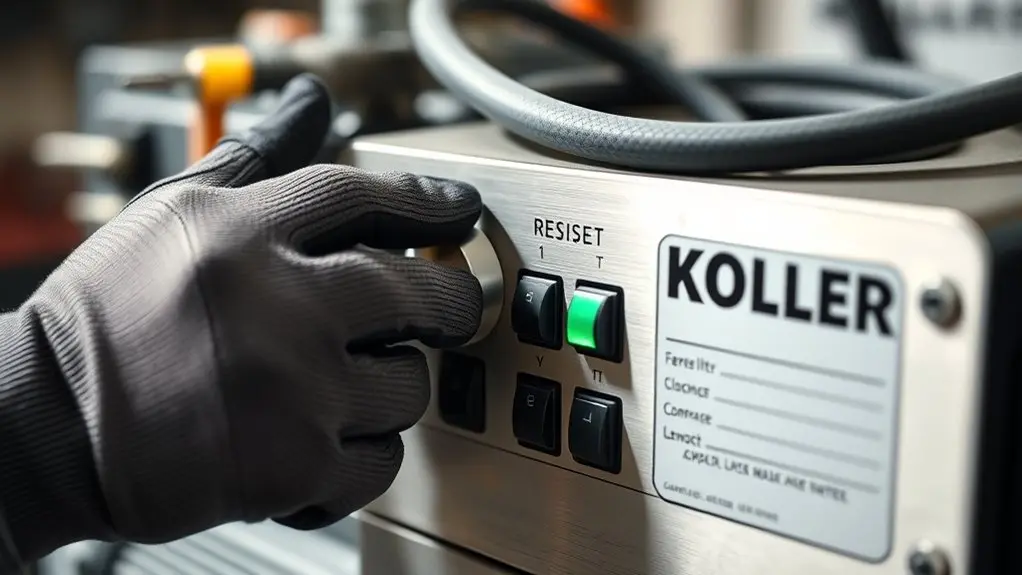
To release your Kohler generator unit, start by confirming the generator is powered off to maintain safety.
Locate the lock on the generator door and use the included key or a flat-head screwdriver to open it.
Turn the key clockwise or gently rotate the screwdriver to disengage the lock mechanism.
Once opened, carefully open the generator door to access the internal components necessary for maintenance or service. Avoid forcing the door to prevent damage.
Carefully open the generator door to access internal components, avoiding any force to prevent damage.
After completing your tasks, always securely close and lock the generator door to protect the unit and maintain safety.
Properly opening and securing your Kohler generator guarantees safe, effective access for service and preserves the integrity of the equipment’s internal components throughout maintenance.
Reset the Kohler Generator Control Panel and Circuit Breaker
Once you’ve accessed the internal components by opening the generator door, you can proceed to reset the control panel and circuit breaker.
Before starting, verify the Kohler generator isn’t running to prevent safety hazards or damage.
To reset the control panel and circuit breaker:
- Press the “Menu” button on the control panel, navigate to “Settings,” then select “Reset” to clear any error messages.
- Locate the circuit breaker, switch it to “Off,” wait a few seconds, then flip it back to “On.”
- Verify all indicator lights function properly, confirming the generator is ready for operation.
If issues persist after the reset, consult the manual or contact Kohler Home Generator Support for assistance.
Check Key Parts Before Restarting Your Generator
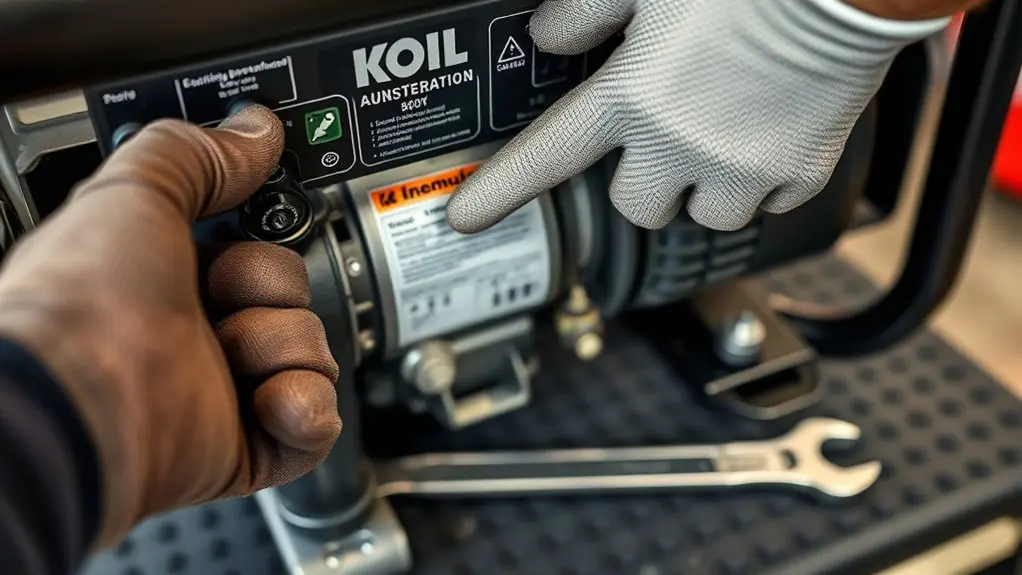
Before restarting your Kohler generator, carefully inspect key components to guarantee reliable operation.
Begin by examining the transfer switch for any signs of wear or damage, confirming it resets and functions correctly.
Start with inspecting the transfer switch for wear, damage, and proper resetting to ensure reliable operation.
Check battery connections for corrosion and tightness. Clean terminals if needed to avoid starting issues.
Verify coolant levels within the cooling system and inspect hoses for leaks. Make certain the radiator cap is secure to maintain proper pressure.
Assess the oil level and condition, replacing oil and filters if recent maintenance was performed.
Finally, scrutinize all electrical connections, confirming they’re secure and free from overheating signs.
Thoroughly checking these parts confirms your Kohler generator operates at peak performance after reset and maintenance, preventing unexpected failures during use.
Test Your Kohler Generator After Reset
After you reset your Kohler generator, go ahead and start it up.
Keep an eye on the power output to make sure it matches the specs.
It’s a good idea to watch the voltmeter and frequency display closely while it’s running.
If you notice anything unusual, like irregular readings, that could be a sign something’s off.
Also, check that the generator stays stable when it’s under load.
You don’t want any alarms or warnings popping up during operation.
If everything looks good, you’re all set!
Verify Power Output
Although resetting your Kohler generator restores its baseline settings, you need to verify its power output to ensure reliable operation during an outage.
Begin by confirming all connections and wiring are secure to prevent issues or underperformance. Then, perform a load test to confirm the generator can handle the expected demand.
- Use a multimeter to check the output voltage, aiming for 120/240 volts typical in residential applications.
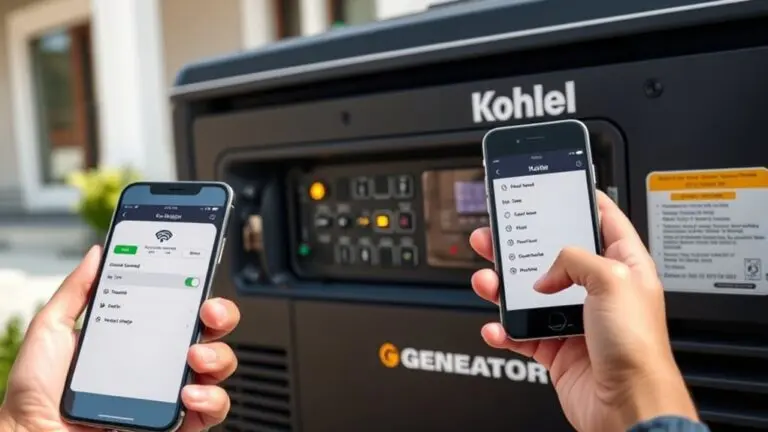
- Monitor the frequency and voltage through the Kohler Energy Management App to confirm stable generator performance.
- Run the generator for at least 30 minutes during testing to allow the system to stabilize and confirm consistent power delivery.
These steps ascertain your Kohler generator’s power output meets requirements after resetting and maintenance.
Monitor Operational Performance
To monitor your Kohler generator’s operational performance, start by running a controlled performance test to verify it functions smoothly under load.
After resetting, perform a load test lasting at least 30 minutes to guarantee the generator meets its rated load requirements.
During this test, closely monitor the voltage output; it must stay within the manufacturer’s specified range for stable operation.
Listen for any unusual sounds or vibrations, which could signal a mechanical issue needing immediate attention.
In addition, check the control panel for error codes generated post-maintenance to confirm no faults exist.
Address any detected issues promptly to maintain reliability.
This systematic approach guarantees your Kohler generator operates efficiently and safely after resetting, preserving its performance and longevity following maintenance.
Troubleshoot Common Kohler Generator Reset Issues
When your Kohler generator won’t start after maintenance, begin by checking the battery voltage to confirm it’s above 12 volts. This is essential for proper operation.
Next, make sure the circuit breaker is flipped on and the generator isn’t in an emergency stop state.
Ensure the circuit breaker is on and the generator is not in emergency stop mode.
Inspect the transfer switch for damage or loose connections, as these can block the power signal needed for a reset.
Finally, clear any diagnostic error codes displayed on the control panel by following Kohler’s troubleshooting instructions.
If the reset still fails, consider contacting professional services for further support.
Follow these steps for effective Kohler generator reset troubleshooting:
- Verify battery voltage and circuit breaker position.
- Inspect transfer switch connections.
- Clear diagnostic error codes before retrying reset.
When to Contact Professional Kohler Generator Support
If your Kohler generator shows warning lights or doesn’t perform as expected after maintenance, you should contact professional support promptly.
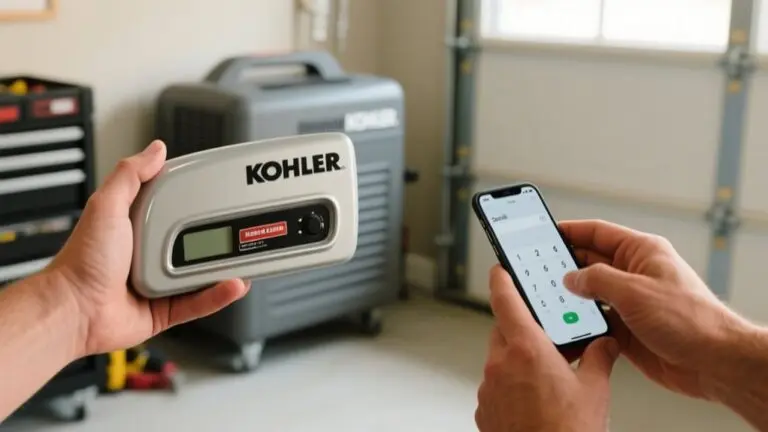
Reach out to Kohler Generator Support at 1-833-393-6650 for expert troubleshooting and guidance on your generator’s operational status. Support is available Monday through Friday, 8:00 am to 4:30 pm CT, ensuring access during regular business hours.
Contact professional service if you suspect electrical faults or significant operational issues post-maintenance to prevent further damage.
You can also visit the Kohler website for additional support or to schedule service. Promptly addressing these issues with professional assistance helps maintain the reliability and safety of your generator, ensuring it operates efficiently and effectively after maintenance.
Don’t hesitate to contact Kohler for any unresolved generator problems.
Frequently Asked Questions
How Often Should I Perform Maintenance on My Kohler Generator?
You should perform maintenance on your Kohler generator at least once a year or every 100 hours of use, whichever comes first.
If you live in a high-humidity area or experience extreme temperatures, increase the frequency.
Also, adjust maintenance intervals if your generator runs often due to unstable grid conditions.
Staying consistent with these checks guarantees reliable operation, extends your generator’s lifespan, and keeps you compliant with warranty requirements.
Can I Reset the Generator During a Power Outage?
Yes, you can reset your Kohler generator during a power outage.
First, flip the circuit breaker to the “off” position, then press the “off” button on the control panel.
Make sure the generator isn’t submerged or unsafe to access.
After resetting, check the oil level and allow the unit to complete its self-diagnostic checks before normal operation.
Always consult your owner’s manual for model-specific reset instructions.
What Tools Are Needed for Routine Kohler Generator Maintenance?
Think of your Kohler generator as a machine garden. Your tools are the gardener’s essentials. You’ll need a socket set, flathead and Phillips screwdrivers, pliers, and a torque wrench to tighten bolts precisely.
An oil filter wrench helps with filter changes, while a multimeter checks battery voltage and electrical connections.
Don’t forget cleaning supplies like cloths, brushes, and corrosion remover to keep terminals spotless and performance reliable.
How Do I Know if My Kohler Generator Needs a Software Update?
You’ll know your Kohler generator needs a software update if the Energy Management App shows alerts or notifications.
Check the control panel for diagnostic codes indicating software issues.
Regularly review the owner’s manual or Kohler’s website for update announcements.
Performance improvements or new features often signal available updates.
If you’re unsure, consult a certified technician or Kohler support during maintenance to confirm your software is current and your generator runs efficiently.
Are There Any Warranty Concerns After Resetting the Generator?
Of course, resetting your Kohler generator instantly voids your warranty if only that were true.
Actually, you won’t face warranty concerns as long as you follow the manufacturer’s maintenance guidelines and use genuine parts.
Keep detailed records of all service and resets. Neglecting this documentation or using unauthorized parts may risk warranty coverage.
Always consult your specific model’s warranty policy to guarantee compliance and protect your investment effectively.
Conclusion
After completing your Kohler generator maintenance, resetting it correctly guarantees reliable power when you need it most. For example, imagine a small business owner who quickly restored power after a storm by carefully following these reset steps, avoiding costly downtime.
By performing safety checks, accessing the unit, resetting controls, and testing thoroughly, you’ll keep your generator running smoothly. If issues persist, don’t hesitate to contact professional support to protect your investment and peace of mind.