How To Register A Kohler Generator – Step-by-Step Guide
To register your Kohler generator, first locate the model and serial numbers on the unit or manual. Then, visit kohler.com, create an account or sign in, and accurately complete the online registration form with purchase details.
Keep your confirmation for warranty claims. Registering secures your warranty and gives you access to updates and support. If you want to learn how to troubleshoot registration issues or update your info, keep exploring these steps.
What You’ll Need to Register Your Kohler Generator
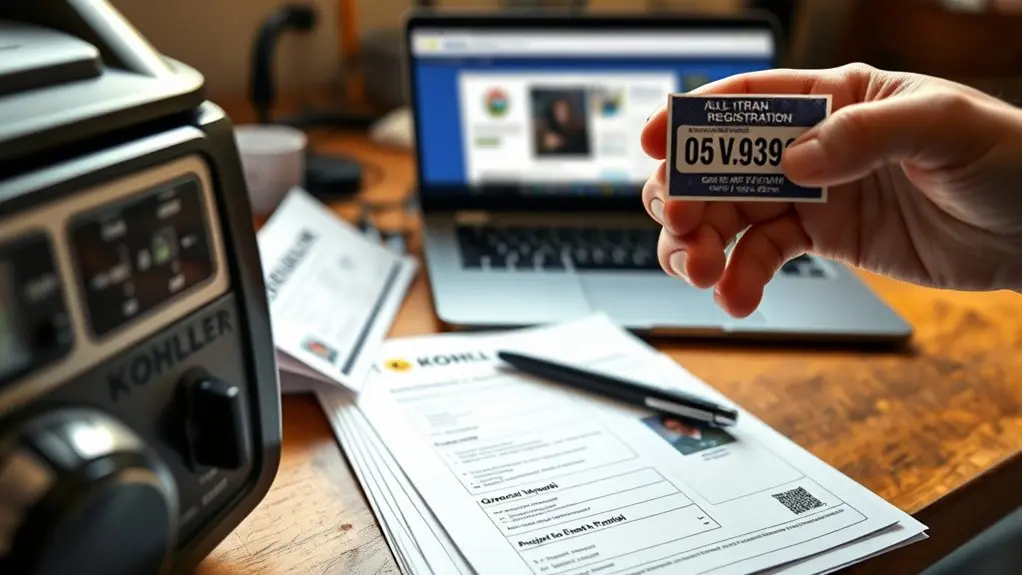
To register your Kohler generator, you’ll need a few key pieces of information. First, locate the model number on your Kohler generator itself. Having your purchase details ready, like the date of purchase and dealer’s name, is crucial for accurate product registration.
Register your Kohler generator by locating the model number and having your purchase details ready for smooth registration.
Next, head to kohler.com, where you’ll either create an account or sign in to access the registration form. Be sure to fill out the form completely and accurately because this information directly affects your warranty coverage.
Once you submit your registration, watch your email for a confirmation message to verify your Kohler generator is properly recorded.
Following these steps guarantees smooth product registration and secures the warranty coverage you deserve.
How to Find Your Kohler Generator’s Serial Number
You’ll usually find your Kohler generator’s serial number on the nameplate located on the side or rear of the unit. This unique combination of letters and numbers helps identify your specific model for registration.
If you can’t spot it there, don’t worry—just check your user manual or reach out to Kohler’s customer support for help.
They’ll be able to guide you.
Serial Number Location
Locating the serial number on your Kohler generator is essential for accurate registration and support. You’ll typically find the serial number on a label attached to the generator’s frame or engine block, often near the power outlet.
Some models display it on the control panel or inside the user manual. Always double-check the serial number to avoid errors during registration. Mistakes could affect your warranty and service support.
| Location | Description |
|---|---|
| Frame/Housing | Label near power outlet |
| Engine Block | Stamped or labeled on engine |
| Control Panel | Visible on the display panel |
| User Manual | Printed in documentation |
Keep your serial number handy to streamline your registration and warranty claims.
Identifying Serial Format
Where exactly can you find the serial number on your Kohler generator? Typically, it’s on the nameplate located on the side or back of the unit.
The serial number on KOHLER generators follows a distinct format, combining letters and numbers that uniquely identify your model and manufacturing details. Knowing this format helps you accurately record the serial number for product warranty registration.
If you can’t spot it, check your owner’s manual. It guides you based on your specific model.
Having the correct serial number on hand isn’t just for registration; it also speeds up customer support and troubleshooting.
Make certain to note this number as soon as you set up your generator to guarantee smooth warranty claims and service.
How to Register Your Kohler Generator Online
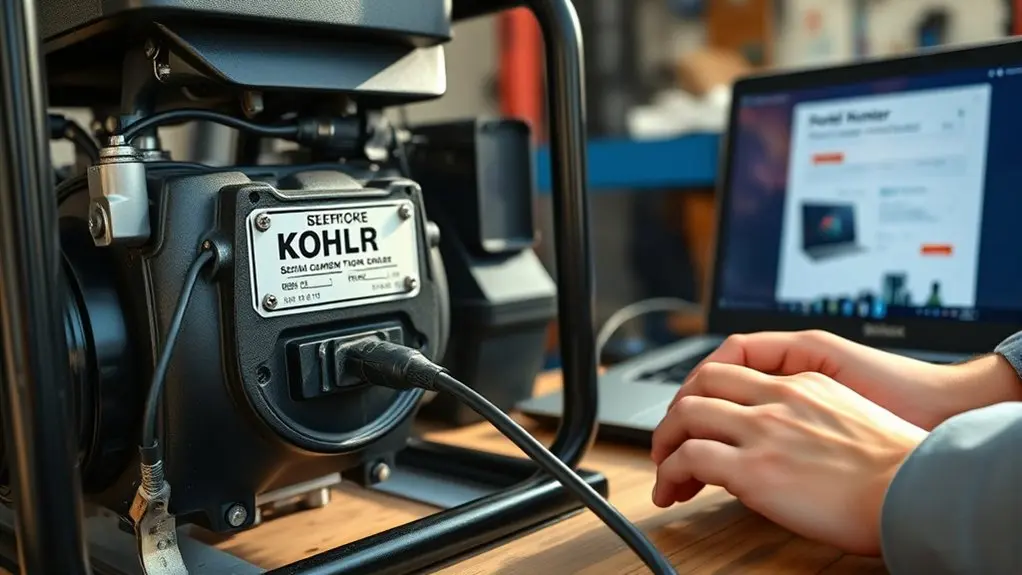
To register your Kohler generator online, just start by creating an account or signing in at kohler.com.
Once you’re logged in, take your time to fill out the registration form with accurate details, including your generator’s serial number.
Doing this will make sure your registration goes through smoothly and that your warranty benefits are all set.
It’s a simple process that helps protect your investment without any hassle.
Account Creation Process
Registering your Kohler generator online is a straightforward process that starts with visiting the official Kohler website. To begin the account creation process, you’ll need to either sign in with your existing account or create a new one if you don’t have an account yet.
Creating an account is vital for product registration, as it allows you to securely submit your generator’s details and track your registration status. Have your Kohler Generator’s model number ready because it’s required to proceed smoothly.
Completing the account creation promptly guarantees you can register your product soon after purchase, maximizing warranty benefits.
Keep your registration confirmation as proof since it may be necessary for future warranty claims and important service updates from Kohler.
Registration Form Completion
Completing the registration form for your Kohler generator involves a few simple steps that confirm your product is properly recorded for warranty and service benefits.
First, visit kohler.com and sign in or create an account.
Have your Kohler Home Generator’s model number ready, as you’ll need it to fill out the product registration form accurately. Follow the on-screen prompts carefully to complete each section, assuring all information is correct for smooth submission.
Register within the recommended timeframe to maximize your warranty benefits and service access.
After submission, keep your login details secure, allowing you to manage your account and monitor your generator’s warranty status easily.
This process helps protect your investment and confirms you receive prompt support when needed.
How to Check Your Kohler Generator Registration
Anyone wanting to check their Kohler generator registration can easily do so by logging into their account on the official Kohler website.
If you haven’t created an account yet, you’ll need to register by entering your generator’s model number and other required details.
New users must register with their generator’s model number and necessary information to create an account.
Once logged in, go to the account management section to view your Kohler generator registration status and all registered products.
Make certain your information is accurate and up-to-date to keep your warranty benefits intact and maintain easy access to support.
If you run into any issues or need help verifying your registration, contact Kohler Home Generator Support for assistance.
Staying on top of your registration guarantees smooth account management and peace of mind for your generator ownership.
Why Registering Protects Your Kohler Generator Warranty
Protecting your Kohler generator warranty starts the moment you register your product. Registration guarantees your warranty coverage begins from the purchase date, securing your investment.
Without registration, you risk delays or denial of warranty claims, which limits your access to essential service and support. By registering, you’ll receive timely notifications about service campaigns or product improvements that could affect your generator’s performance.
Registration also verifies your ownership and maintains accurate records. This helps streamline future repairs and service requests.
Completing this simple step gives you peace of mind, knowing you can fully use your warranty benefits whenever needed.
Don’t overlook registration; it’s the key to protecting your Kohler generator and guaranteeing smooth, hassle-free service throughout its lifespan.
How to Update Your Kohler Generator Registration
Wondering how to keep your Kohler generator registration current? Simply visit the official Kohler website and sign in to your account.
Head to the product registration section and select your generator’s model number to update your details.
Make certain all information you enter is accurate before submitting the form. If you run into any issues or have questions during this process, use the customer support resources available on the Kohler site for quick assistance.
Ensure your details are correct before submitting and reach out to Kohler support if you need help.
After updating, keep a copy of the confirmation for your records. It’s important for warranty claims or future service inquiries.
Staying on top of your Kohler generator registration guarantees your product remains properly documented and supported throughout its lifespan.
Troubleshooting Common Kohler Generator Registration Issues
If you run into trouble registering your Kohler generator, start by double-checking that you have the correct model and serial numbers ready.
Next, confirm your internet connection is stable and that you’re using a compatible web browser to access the Kohler registration page.
Carefully verify all information entered in the registration form. Any errors can block successful registration.
If you don’t receive a confirmation email, check your spam or junk folder.
For persistent issues, reach out to Kohler Home Generator Support at 1-833-393-6650 during their operating hours.
Following these troubleshooting steps will help you resolve common registration problems quickly, confirming your generator is properly registered and supported.
Accessing Kohler Generator Support After Registration
Anyone who’s registered their Kohler generator can easily access support through multiple channels designed to keep your system running smoothly. You can call Kohler Home Generator Support at 1-833-393-6650 during business hours, Monday to Friday, 8:00 am to 4:30 pm (CT).
The Kohler website offers troubleshooting guides, FAQs, and a way to submit inquiries for quick assistance. As a registered user, you’ll also have access to product warranty information and benefits, optimizing your support options.
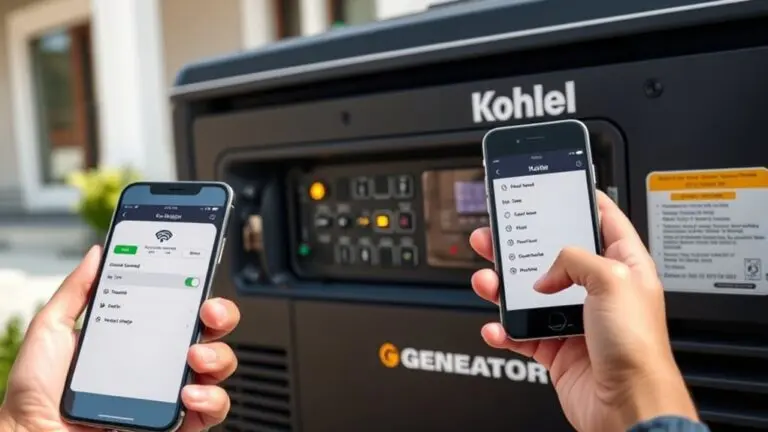
Moreover, the Kohler Energy Management App lets you manage your generator remotely, providing real-time updates on performance and status.
Frequently Asked Questions
Can I Register Multiple Kohler Generators Under One Account?
Yes, you can register multiple Kohler generators under one account. You’ll need to provide each generator’s unique model and serial numbers during registration.
Managing them in one place makes tracking warranties, maintenance, and support much easier.
Just make sure all your generator details are accurate and up to date in your account. This way, you’ll simplify handling claims and keep everything organized efficiently.
Is There a Registration Deadline After Purchasing My Kohler Generator?
There isn’t a strict registration deadline after purchasing your Kohler generator, but you should register it as soon as possible.
Doing this promptly guarantees you get the full warranty benefits and timely updates on service campaigns or improvements.
Make certain you register the generator yourself, not through a dealer, to validate your warranty.
Providing accurate product details during registration on Kohler’s official website helps protect your investment and support coverage effectively.
Are There Any Registration Fees for Kohler Generators?
You don’t pay any fees, you don’t fill out extra forms, and you don’t wait for approval when registering your Kohler generator. The registration is completely free.
By registering promptly, you activate your warranty, secure support, and protect your investment, all without spending a dime.
Just provide your generator’s model and serial number online, and you’re set. It’s simple, free, and essential to get the full benefits.
Can I Register My Kohler Generator Without Internet Access?
Yes, you can register your Kohler generator without internet access. Just fill out the product registration form found in your manual or packaging.
You can also call Kohler Customer Support at 1-833-393-6650 and provide your model and serial numbers to register over the phone.
Alternatively, mail the completed form to Kohler, making sure to verify the correct mailing address from your product documents.
Register promptly to secure your warranty benefits.
How Do I Transfer My Kohler Generator Registration to a New Owner?
Did you know over 60% of Kohler generator owners transfer their registrations when selling?
To transfer yours, log into your Kohler account and enter the new owner’s details along with the generator’s serial number.
Submit the request promptly to keep warranty benefits intact. Both you and the new owner may need to sign the transfer form.
Finally, have the new owner confirm their registration online to activate their coverage.
Conclusion
Registering your Kohler generator is quick and essential for protecting your investment. Did you know that over 70% of warranty claims come from unregistered products? By registering, you guarantee your warranty stays valid and gain access to dedicated support.
Plus, updating your details keeps your coverage current. Follow the steps outlined, and you’ll have peace of mind knowing your generator is fully protected and backed by Kohler’s reliable service.