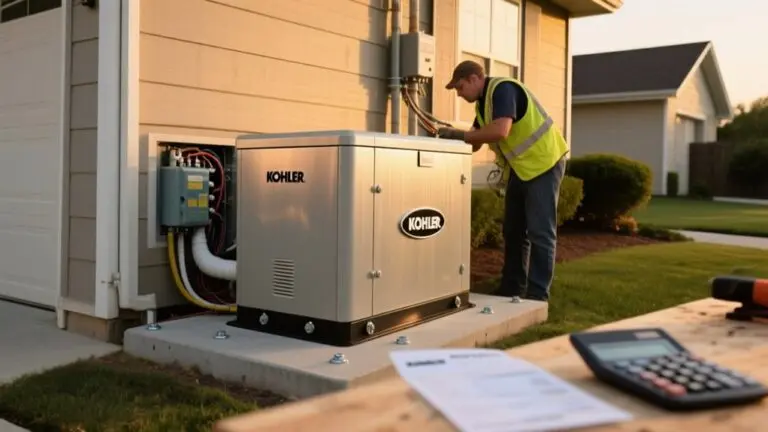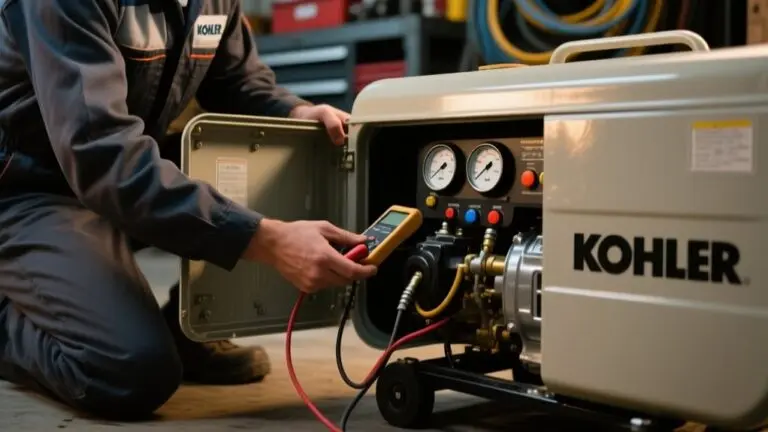
How To Program Kohler Generator Exercise Schedule – Guide
To program your Kohler generator’s exercise schedule, first make sure it’s connected to the internet and updated for app compatibility. Use the Evolution control panel by entering the menu via the OFF and ESC buttons. Then adjust exercise frequency, time, and day in military format.
Alternatively, you can schedule remotely via the KOHLER Energy Management App. This lets you set test runs and receive alerts easily. Tailor the frequency based on your climate to optimize performance and minimize wear.
Explore further to master precise settings and troubleshooting tips.
Preparing to Program Your Kohler Generator Exercise Schedule
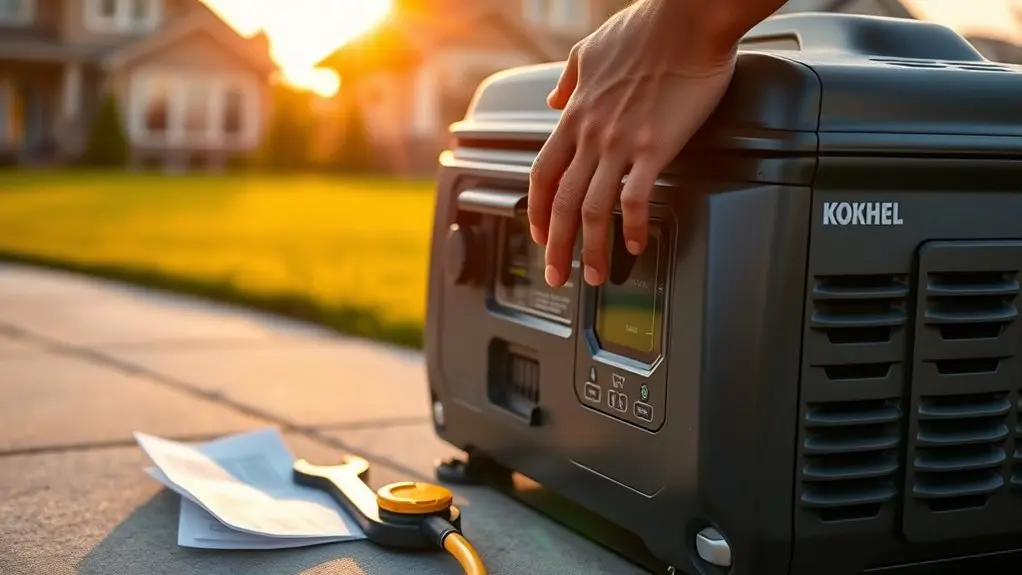
To prepare for programming your Kohler generator’s exercise schedule, start by ensuring your generator is connected to the internet. This enables remote access via the KOHLER Energy Management App.
Confirm your specific Kohler generator model and familiarize yourself with its control panel, as programming varies between Evolution and Power Zone 200 controllers. Have your smartphone ready to access the app for convenient remote scheduling.
Identify your Kohler generator model and control panel type for accurate programming via the KOHLER Energy Management App.
Before proceeding, verify the generator is clean, well-maintained, and operating correctly to prevent exercise cycle complications.
Furthermore, check that your Kohler generator’s firmware is updated to the latest version, ensuring peak performance and compatibility with the app’s scheduling features.
Following these steps provides a solid technical foundation for precise and reliable exercise schedule programming.
Accessing Exercise Schedule Settings on Your Kohler Generator
After confirming your generator’s readiness and connectivity, focus on accessing the exercise schedule settings through the Evolution control panel.
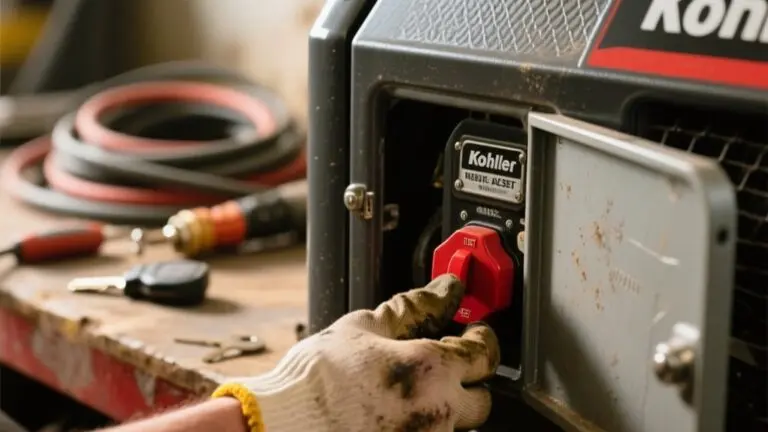
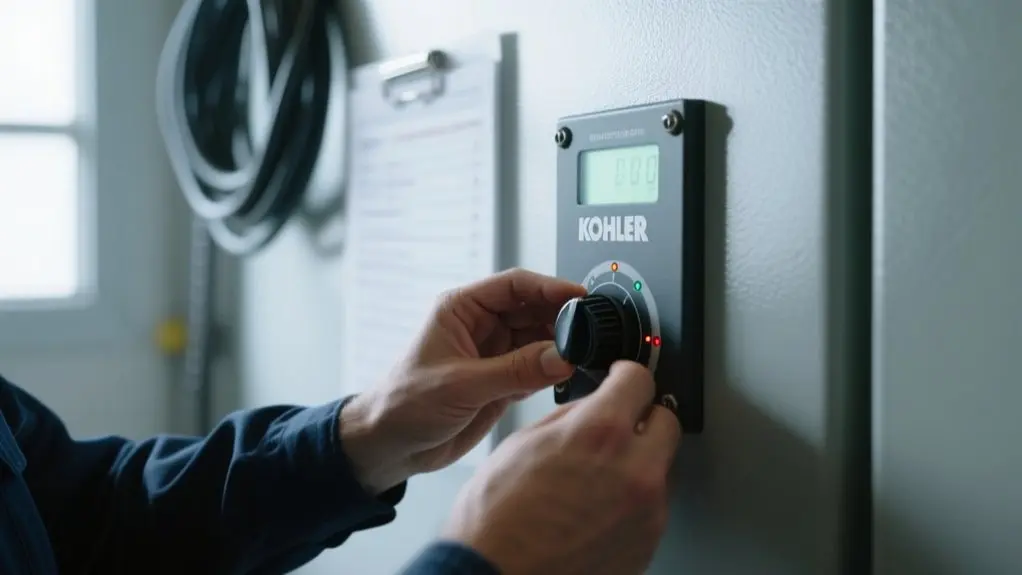
Locate the panel on your Kohler generator for intuitive navigation.
Use the up and down arrow keys to highlight the date and time settings displayed. To enter the menu options, press the OFF button, then ESC. This sequence lets you modify the exercise schedule parameters directly.
Note that the exercise time can be viewed and set using military time format for precision.
Once you adjust the settings, save your changes to guarantee proper configuration.
Finally, re-engage the Auto mode by pressing the Auto button, enabling the generator to follow the programmed exercise schedule seamlessly.
Setting Exercise Time on the Evolution Control Panel
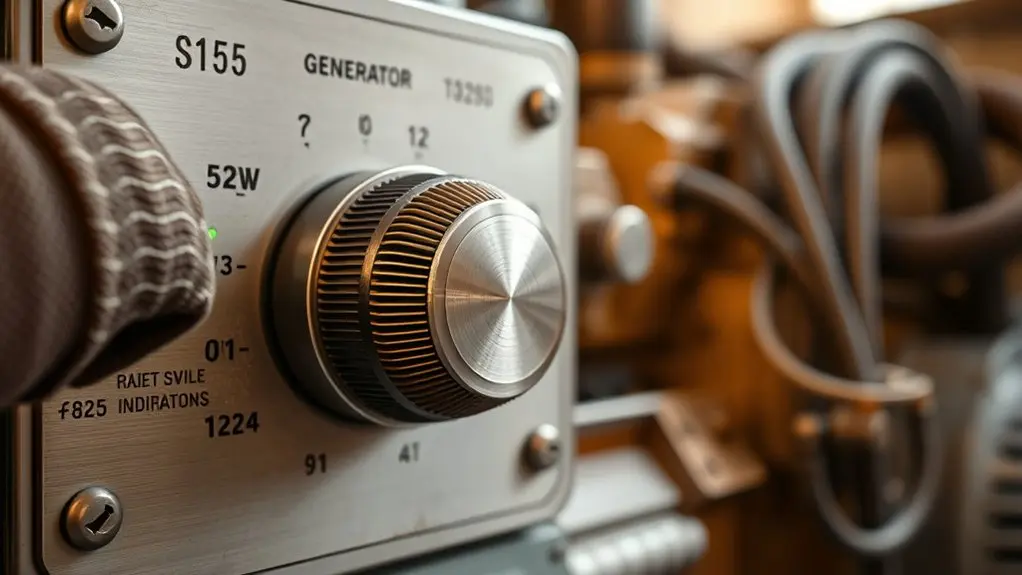
Setting the exercise time on the Evolution Control Panel requires maneuvering through specific menu options using the arrow keys and button controls.
Begin by pressing the OFF button, then ESC to access the menu.
Use the arrow keys to navigate through Sub Menus until you reach the Edit menu, where you can modify exercise time settings. The display shows the exercise time in military format, allowing you to set frequency, hour, minute, and day precisely.
Adjust these values with the up and down arrows, ensuring accuracy for your Kohler Home generator‘s exercise routine.
Once configured, press ESC to return to the home screen, then activate Auto mode by pressing the Auto button.
This process saves your settings and prepares your Kohler Home generator for scheduled exercises efficiently.
Scheduling Exercises With the KOHLER Energy Management App
Once you’ve configured the exercise time on the Evolution Control Panel, managing your Kohler generator’s test cycles becomes even more streamlined through the KOHLER Energy Management App.
First, verify your generator is internet-connected and the app is downloaded on your device.
After logging in, navigate to the scheduling feature to set precise dates and times for test runs. You can tailor the frequency, whether daily, weekly, or monthly, to fit your home’s backup power needs.
The app delivers real-time alerts confirming cycle completion, enabling you to monitor your generator remotely with confidence.
Furthermore, it archives historical logs, providing transparent access to past exercise schedules and maintenance records.
Adjusting Your Kohler Generator Exercise Schedule for Best Performance
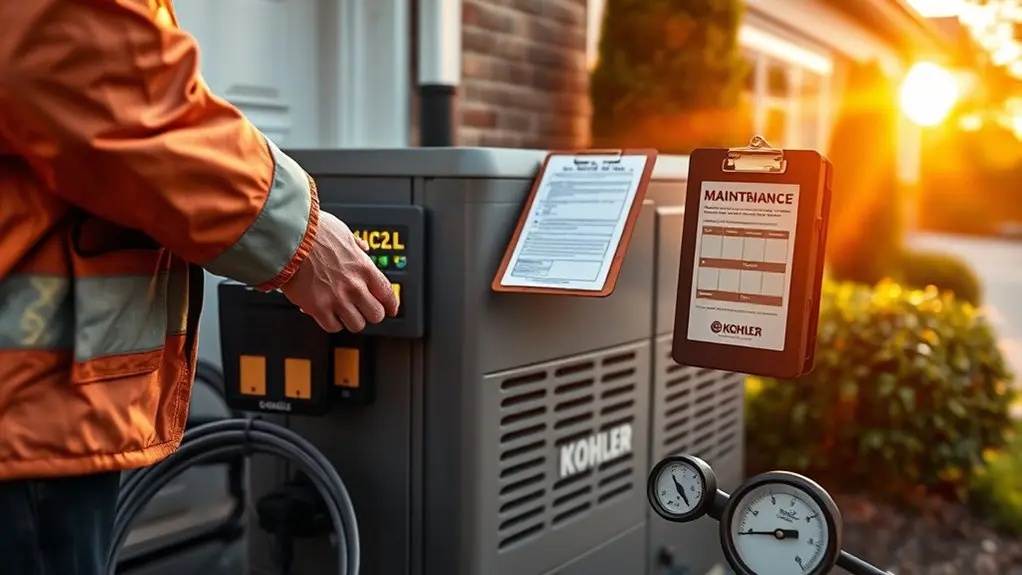
Although scheduling exercises is straightforward with the KOHLER Energy Management App, adjusting the exercise times to align with your generator’s peak performance requires careful consideration. Set your exercise schedule in military time to confirm exact timing, such as 1300 for 1 PM.
Running exercises at least weekly maintains peak generator readiness. Use the app’s tracking features to validate test completions and monitor performance trends. Enable email and push notifications for timely alerts on scheduled exercises and maintenance.
| Parameter | Recommendation | Purpose |
|---|---|---|
| Exercise Time | Use military format | Guarantee scheduling accuracy |
| Frequency | Minimum once weekly | Maintain generator readiness |
| Notifications | Enable alerts | Stay informed on schedules |
Adjust your exercise schedule precisely for best performance.
Programming Tips Based on Climate and Usage
You’ll want to tailor your generator’s exercise schedule to match your local climate and how often you use it.
It’s a good idea to adjust how frequently you run exercises depending on the season—temperature changes and humidity can make a difference.
Also, if your area experiences frequent outages, you might want to increase the number of exercise runs.
Timing your exercises to avoid extreme temperatures is another smart move. This helps reduce mechanical strain and can improve how reliably your generator starts up.
Seasonal Exercise Frequency
How often should you program your Kohler generator to exercise throughout the year? Adjust the exercise frequency based on seasonal climate variations to maintain peak readiness.
During heavy storm seasons, increase testing frequency. Weekly cycles suit severe weather regions, while mild climates may only require bi-weekly tests. Schedule exercises in early morning hours using military time to reduce noise disruption.
Continuously monitor the generator’s real-time status, especially during extreme weather, to identify performance issues promptly. If prolonged outages are anticipated, increase exercise frequency accordingly.
Regularly evaluate seasonal usage patterns and maintenance needs to fine-tune the schedule. This proactive, data-driven approach guarantees your Kohler generator remains reliable and responsive, adapting precisely to changing environmental demands without compromising operational efficiency.
Usage Impact Considerations
Since climate and usage patterns directly affect generator performance, you should tailor your Kohler generator’s exercise schedule accordingly. In colder regions, increase exercise frequency to guarantee reliable startup during winter.
For locations with frequent outages, more frequent exercise cycles improve readiness and reduce failure risk. Schedule exercises during off-peak hours to minimize noise disturbance and avoid peak energy demand periods.
Adjust your exercise schedule seasonally. During high-usage months, run tests in cooler times of day to optimize performance and reduce thermal stress.
Balance the frequency to prevent unnecessary fuel consumption and battery wear.
Climate-Specific Scheduling
Tailoring your Kohler generator’s exercise schedule requires careful attention to local climate conditions and usage demands. In harsh winter regions, schedule exercises during warmer daytime hours to prevent freezing and guarantee smooth starts.
High humidity zones demand a more frequent exercise schedule to reduce moisture buildup and maintain engine lubrication. For moderate climates, a weekly exercise schedule generally suffices, balancing operational readiness and wear.
If your generator regularly supports backup power, extend exercise intervals to mimic actual load conditions, improving reliability.
Always align your exercise schedule with manufacturer guidelines and assess local environmental factors.
Troubleshooting Exercise Scheduling Issues
When you run into exercise scheduling issues with your Kohler generator, start by checking the internet connection. This confirms remote scheduling via the KOHLER Energy Management App is active. Make sure the app is updated to the latest version to avoid functionality conflicts.
Next, confirm exercise schedule settings on the control panel, focusing on time and frequency accuracy. Use the app’s troubleshooting section for guidance. Always verify all changes are saved before exiting.
| Issue | Diagnostic Step |
|---|---|
| No remote monitoring access | Check internet connection |
| App features disabled | Update KOHLER Energy Management App |
| Schedule not executing | Verify control panel settings |
| Settings not saving | Refer to troubleshooting guide |
Systematic troubleshooting helps maintain reliable exercise scheduling and remote monitoring.
How to Contact Kohler Support for Exercise Schedule Help
You can reach out to Kohler support directly at 1-833-393-6650 if you need help programming your generator’s exercise schedule. Just keep in mind that call volumes might affect their service hours, so you may need to be patient.
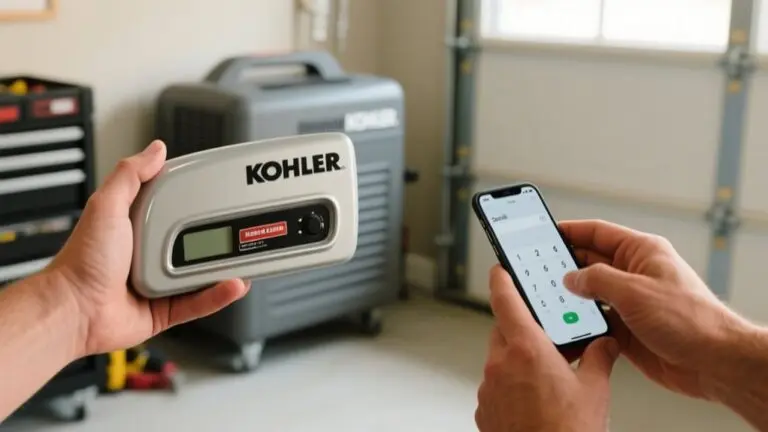
If you prefer managing things remotely, the KOHLER Energy Management App is a great tool. It lets you adjust settings and troubleshoot issues right from your phone.
Also, don’t forget to check out the Quick Start Guide and FAQs.
They’ve detailed instructions and solutions for common problems that might come up.
Support Contact Information
How can you get prompt assistance with programming the exercise schedule on your Kohler generator? The primary support contact information is the customer service line at 1-833-393-6650, providing direct technical help.
For efficient troubleshooting, use the KOHLER Energy Management App, which offers resources and alerts to manage your generator’s exercise cycles. Moreover, the downloadable Quick Start Guide delivers precise, step-by-step instructions for schedule configuration.
Before calling, review the FAQs on the Kohler support website, addressing common issues related to account setup and app functionality.
While customer service hours may fluctuate due to call volume, leveraging these digital resources can reduce wait times and speed up resolution.
This structured support contact information guarantees you access expert guidance when programming your exercise schedule.
Service Hours Availability
What’s the best time to reach Kohler customer service for assistance with programming your generator’s exercise schedule? To optimize your experience, contact them at 1-833-393-6650 during their defined service hours availability.
Keep in mind that high call volumes may impact wait times, so reaching out during off-peak hours guarantees faster support. For immediate guidance, refer to Kohler’s FAQs or download the Quick Start Guide from their website, both offering step-by-step instructions.
Although service hours availability dictates direct phone support times, the KOHLER Energy Management App supplements assistance with real-time alerts and operational insights.
Remote Assistance Options
Where can you turn when programming your Kohler generator’s exercise schedule requires expert guidance? You can contact Kohler customer service directly at 1-833-393-6650 for precise assistance.
Make sure your generator is internet-connected to leverage the full scope of remote support capabilities through the KOHLER Energy Management App. This app allows you to schedule and manage exercise cycles remotely, streamlining generator operation without on-site intervention.
Furthermore, Kohler’s website offers a downloadable Quick Start Guide and detailed FAQs that provide step-by-step instructions to troubleshoot and enhance your exercise schedule setup.
Utilizing these remote support capabilities guarantees you address configuration challenges efficiently, minimizing downtime and maintaining peak generator performance.
This integrated approach combines direct expert contact with digital tools for extensive support.
Frequently Asked Questions
How Often Should I Manually Test My Kohler Generator?
You should manually test your Kohler generator once a month to guarantee it operates correctly and reliably.
Each test should run for 20 to 30 minutes, allowing the generator to reach ideal temperature and confirm system functionality.
Before testing, check oil and coolant levels to prevent damage.
Regular testing helps you detect issues like low battery or fuel problems early, maintaining your generator’s performance and extending its lifespan through timely maintenance.
Can Exercise Schedules Affect Fuel Consumption Significantly?
Exercise schedules don’t greatly impact your Kohler generator’s fuel consumption if set properly.
Short, regular cycles use minimal fuel compared to prolonged operation.
You’ll maintain fuel system integrity and avoid degradation, which actually helps prevent higher fuel use during emergencies.
By running ideal, brief tests, like 20 minutes weekly, you keep efficiency high and wear low.
This ensures readiness without causing excessive fuel consumption or unnecessary operational costs.
What Are Signs My Generator Needs Maintenance Outside Exercise Cycles?
Imagine you notice a faint fuel smell near your generator during a routine check. That’s a clear sign it needs maintenance outside exercise cycles.
You should watch for leaks, loose wiring, unusual odors, cracks in gas pipes, or wear on hoses and indicator lights.
Also, debris buildup or rodent damage can impair function. Addressing these issues promptly prevents failures and guarantees safe, efficient operation.
Don’t wait for your scheduled exercise to inspect.
Is It Safe to Override the Exercise Schedule During Power Outages?
Yes, you can safely override the exercise schedule during power outages, as the generator is designed to provide continuous power when needed.
However, you must guarantee the generator operates within its normal parameters to avoid damage.
Always follow the manufacturer’s guidelines for manual adjustments, maintain regular upkeep, and closely monitor performance post-override.
This approach prevents operational issues and guarantees reliable power delivery during critical times.
Do Exercise Cycles Impact My Generator’s Warranty Coverage?
Yes, exercise cycles directly impact your generator’s warranty coverage.
Manufacturers require you to follow the recommended exercise schedule to maintain warranty validity.
Skipping or neglecting these cycles can void coverage, as it indicates poor maintenance. You must document each exercise cycle accurately to support any future claims.
Review your specific Kohler model’s warranty terms carefully since requirements vary.
Proper exercise scheduling demonstrates responsible use and extends your generator’s reliability.
Conclusion
By programming your Kohler generator’s exercise schedule, you guarantee peak performance and longevity. You might worry it’s too complex, but with clear steps on the Evolution Control Panel and the KOHLER Energy Management App, it’s straightforward.
Tailoring the schedule to your climate and usage prevents unnecessary wear. Regular exercise cycles keep the generator ready when you need it most, avoiding costly downtime.
If issues arise, Kohler Support is just a call away to guide you through.