How To Test Kohler Generator – Full Tutorial
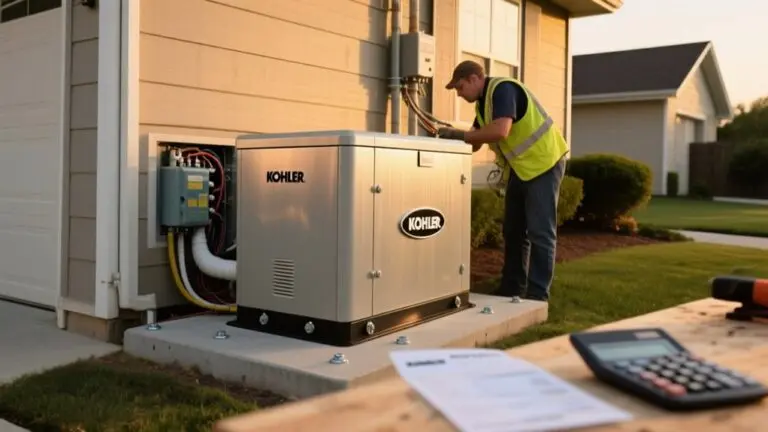
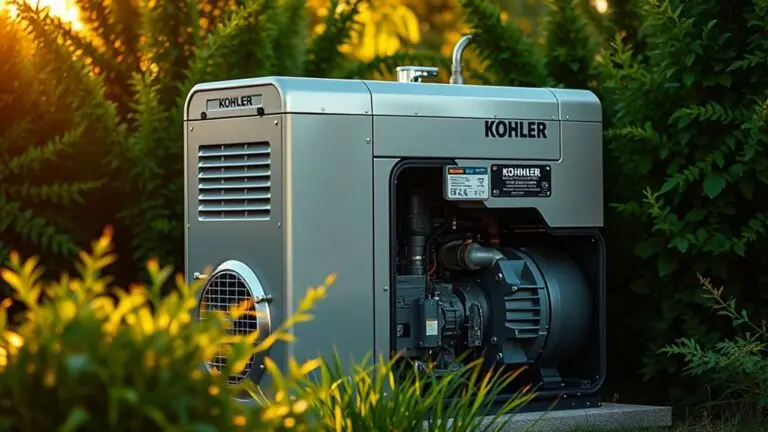
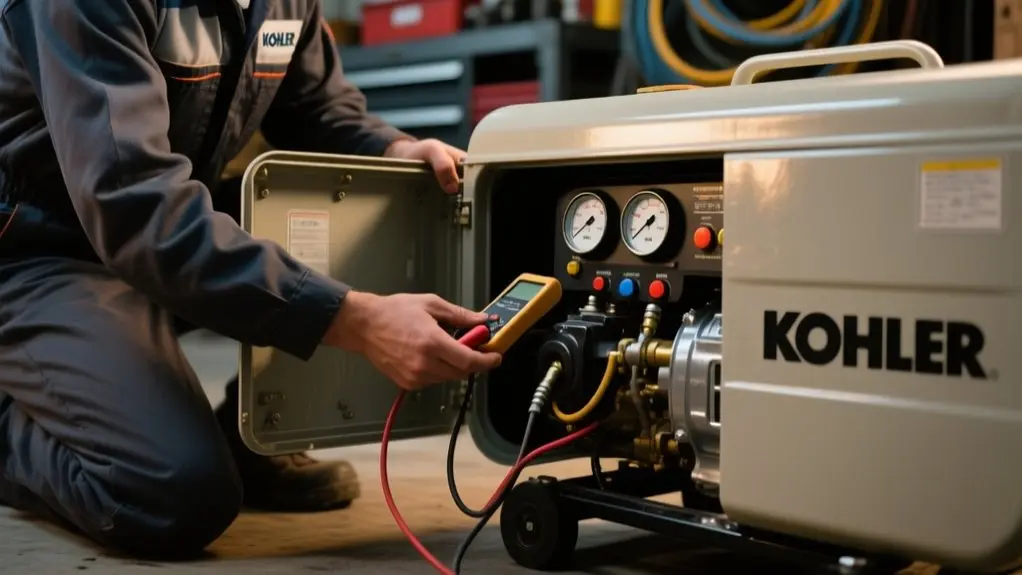
To test your Kohler generator, start by placing it on a dry, stable surface and inspecting the oil, air filter, and fuel connections. Check the battery voltage with a multimeter and verify that propane or natural gas valves are open.
Next, perform a visual inspection, then start the generator via the manual switch or Kohler app. Listen carefully for any abnormal sounds. Connect a load bank to monitor voltage and frequency, watch warning lights closely, and record any irregularities.
Keep going to uncover detailed maintenance and troubleshooting steps.
Prepare Your Kohler Generator: Safety and Setup Before Testing
Before you begin testing your Kohler generator, make certain it’s positioned on a dry, stable surface away from any flammable materials to maintain safety.
Next, inspect the oil level with a clean dipstick. Maintaining the correct oil level is critical for proper engine operation.
Check the oil level with a clean dipstick to ensure optimal engine performance and longevity.
Then, examine the air filter closely and confirm it’s clean and free of debris to optimize engine performance. These steps contribute directly to the safety and reliability of your Kohler generator during testing.
Keep the user manual nearby to reference model-specific instructions and troubleshooting guidelines. By methodically verifying the generator’s setup and essential components, you reduce risks and prepare the system for accurate testing results.
Prioritize safety first to guarantee a smooth and effective evaluation process.
Check Fuel and Battery Before Starting Your Kohler Generator
Before you start your Kohler generator, make sure the fuel supply is connected and that the fuel gauge shows there’s enough fuel.
It’s important to have an adequate fuel level to avoid any interruptions.
Next, grab a multimeter and check the battery voltage.
You want it to read at least 12.6 volts for a smooth startup.
If you notice any corrosion on the battery terminals, be sure to clean it off to keep a solid electrical connection.
This will help your generator run reliably.
Fuel Supply Inspection
When preparing to start your Kohler generator, you need to verify that the fuel supply is adequate by checking both natural gas and liquid propane levels. Make sure tanks aren’t empty or low. Confirm the fuel supply system is fully operational to prevent startup failure.
For liquid propane, check that the tank connection is secure and the valve is open. Also, inspect the battery condition without performing voltage checks here.
Focus on these critical steps:
- Check natural gas and liquid propane tanks for sufficient fuel levels.
- Verify propane tank connections are tight and valves open.
- Inspect battery terminals for cleanliness and corrosion to guarantee proper electrical contact.
Following these steps methodically helps maintain your Kohler generator’s reliability and readiness.
Always consult manufacturer guidelines for specific fuel and battery inspection protocols.
Battery Voltage Check
After confirming your fuel supply is adequate and connections are secure, the next step is to verify the battery voltage. Use a multimeter, placing the red lead on the positive terminal and the black lead on the negative terminal to obtain an accurate reading.
For KOHLER Generators, make sure the battery voltage is above 12.4 volts to provide sufficient power for engine cranking and reliable automatic backup operation. If the voltage reads low, recharge the battery fully or replace it to prevent start-up failures.
In addition, inspect terminals for corrosion or loose connections, as poor contact can affect performance. Incorporate this battery voltage check into your routine maintenance to maintain generator readiness, especially in cold weather when battery capacity diminishes greatly.
Start Your Kohler Generator: Step-by-Step Guide
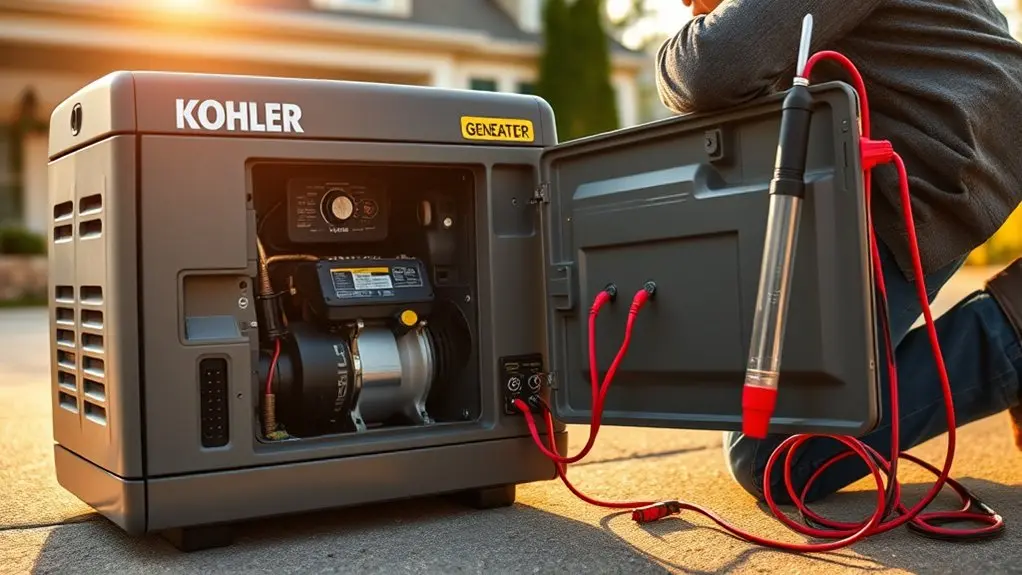
To start your Kohler generator, begin by positioning it on a level surface and confirming it’s properly connected to its fuel source, whether natural gas or propane.
Before activating, inspect the unit visually for damage or leaks and ascertain circuit breakers are set to “on.”
Inspect for damage or leaks and ensure circuit breakers are switched to “on” before starting your generator.
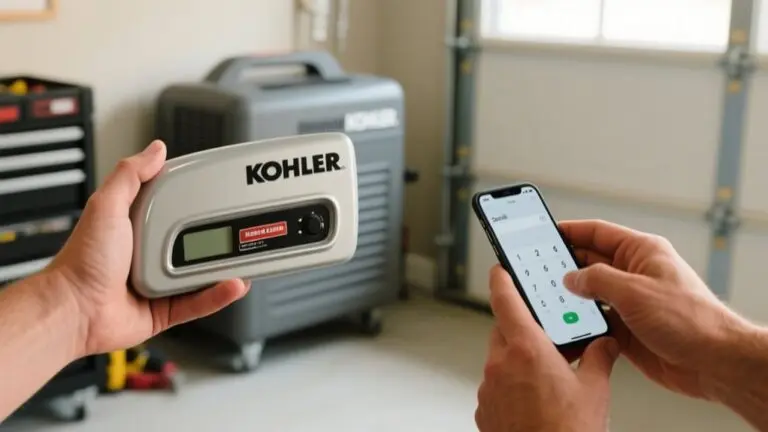
Use either the manual start switch or the Kohler Energy Management App to initiate startup. Follow these steps precisely:
- Prime the engine if required to ascertain smooth ignition.
- Turn the ignition key or press the start button, listening carefully for abnormal sounds.
- Verify the control panel shows no warning lights after startup.
Kohler home generators rely on a properly functioning automatic transfer switch to detect power outage and engage seamlessly.
For ongoing reliability, consult Generator Support if issues arise during startup.
Run Your Kohler Generator Under Load and Watch for Issues
Once your Kohler generator is running smoothly, you’ll want to test its performance under load to confirm operational stability. Connect the generator to a load bank matching its output capacity to prevent overload.
Monitor voltage and frequency on the display to verify they stay within KOHLER’s specifications. Watch for unusual noises or vibrations signaling engine or component issues.
After the load test, run the generator without a load for a few minutes to cool down before shutdown. This is a critical maintenance step for backup power reliability.
| Parameter | Expected Range | Action if Out of Range |
|---|---|---|
| Voltage (V) | Manufacturer Spec | Adjust load or service unit |
| Frequency (Hz) | Manufacturer Spec | Inspect governor or controls |
| Noise/Vibration | Minimal/None | Schedule maintenance check |
Monitor Warning Lights and Noises: What They Mean and What To Do
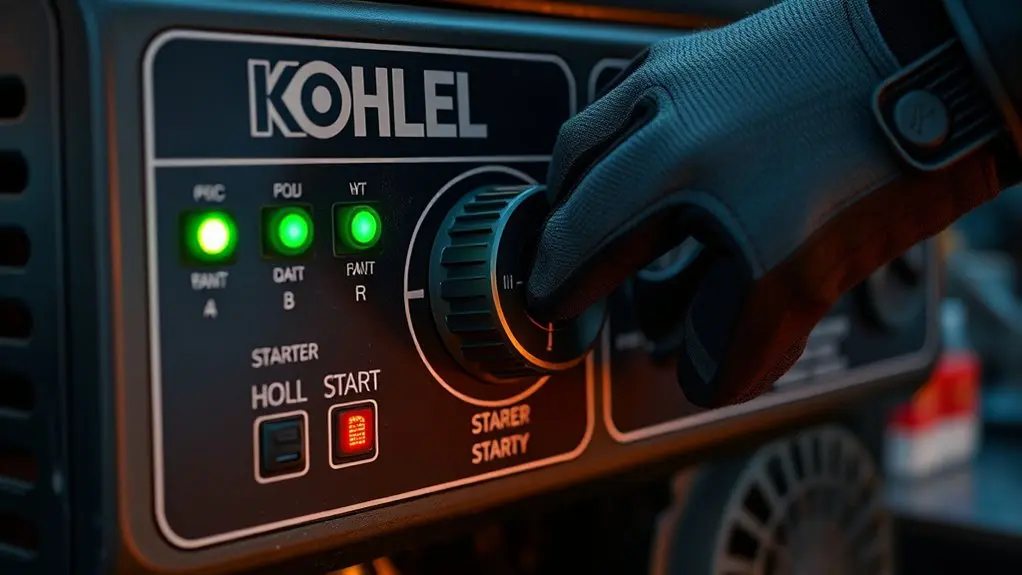
You should keep a close eye on your generator’s warning lights. For instance, a steady red light means there’s a fault you need to address, while flashing lights usually signal maintenance needs or alerts.
Also, listen out for any unusual noises like grinding or clicking. These sounds often indicate mechanical or electrical problems that need your immediate attention.
Whenever you’re unsure, it’s always a good idea to check the generator’s manual.
Plus, using the Kohler Energy Management App can help you understand these signals better and take the right steps.
Warning Light Indicators
Warning light indicators on your Kohler generator deliver immediate, clear signals about its operational status and potential faults. These indicators help you quickly identify issues requiring attention, ensuring reliable performance.
A red warning light signals a critical issue, such as low oil pressure or high temperature. This demands immediate action to prevent damage.
An amber light serves as a maintenance notification, alerting you to scheduled servicing like oil or filter replacements.
You should monitor both visual warning lights and any accompanying audible alarms to respond effectively.
Key points to monitor include:
- Red light: critical issue, stop operation and inspect immediately.
- Amber light: routine maintenance due, schedule service promptly.
- Audible alarms: complement visual indicators, never ignore these alerts.
Always refer to your owner’s manual for model-specific meanings.
Unusual Noise Diagnostics
Three primary types of unusual noises from your Kohler generator often indicate mechanical issues requiring prompt diagnosis. A consistent knocking or rattling sound suggests loose parts or debris inside the engine compartment. Conduct a thorough visual inspection immediately.
A high-pitched squeal typically points to a worn or damaged belt that needs replacement to prevent failure. Always monitor warning lights on the control panel, as indicators for oil pressure, high temperature, or battery voltage can guide your troubleshooting efforts.
Low oil levels or failing components may also cause unusual noises, signaling urgent attention. Consult the troubleshooting manual regularly; it provides detailed descriptions of specific sounds and their mechanical issue correlations. This helps you identify problems accurately and take corrective action swiftly.
Test Oil Circulation and Check Oil Levels
Although it may seem routine, testing oil circulation and checking oil levels are critical steps to secure your Kohler generator runs smoothly. Start the generator briefly to observe oil circulation through the dipstick tube, confirming oil flows evenly without blockage.
Accurate oil level assessment requires a clean dipstick; wipe it before reinserting to guarantee precise readings. Regular maintenance demands checking oil levels every 8 to 24 hours of operation to prevent engine damage and maintain peak performance.
If low, refill with the specified oil type and grade, then recheck after running the engine briefly.
Key points to follow:
- Verify unobstructed oil circulation visually during brief generator operation
- Use a clean dipstick for accurate oil level measurement
- Perform timely oil level checks to sustain Kohler generator functionality and avoid failures
Troubleshoot Common Kohler Generator Issues During Testing
When you encounter issues during Kohler generator testing, begin by restarting the engine to clear temporary faults.
Next, troubleshoot KOHLER standby generators by checking the oil level with a clean dipstick. Low oil can cause shutdowns.
Inspect spark plugs for wear or improper gaps, replacing them if necessary to prevent hard starts or misfires.
Evaluate air filters carefully. Replace clogged filters to maintain peak engine performance and avoid unexpected stoppages.
In addition, examine the Automatic Transfer Switch (ATS) by confirming circuit breakers are reset and the controller operates correctly.
ATS malfunctions can prevent the generator from initiating power transfer during outages.
Following this systematic approach guarantees efficient troubleshooting and reliable operation of your Kohler generator during testing.
Use the Kohler Energy Management App for Remote Monitoring
The Kohler Energy Management App gives you direct access to real-time data and diagnostics for your generator, enabling remote monitoring of performance and status. With this app, you can efficiently track power usage and identify maintenance needs without being physically present. It consolidates critical information, helping you manage your generator proactively.
Key features include:
- Real-time alerts and performance metrics for immediate insight
- Remote access to diagnostic data supporting troubleshooting
- Streamlined interface for monitoring power usage and scheduling maintenance
Using the Kohler Energy Management App guarantees you stay informed about your generator’s condition, allowing timely interventions that optimize reliability.
This remote monitoring capability enhances operational control, minimizes downtime, and supports methodical generator testing and upkeep.
Frequently Asked Questions
How Often Should I Schedule Professional Maintenance for My Kohler Generator?
You should schedule professional maintenance for your Kohler generator at least once a year to guarantee peak performance and warranty compliance.
If you run your generator frequently or under heavy loads, consider servicing it every six months.
Always monitor alerts from the Kohler Energy Management App and address them promptly.
Certified technicians will inspect critical components like oil levels, air filters, and electrical connections, preventing minor issues from escalating into costly repairs.
Can I Use Alternative Fuels With My Kohler Generator Safely?
Like venturing off the beaten path, using alternative fuels with your Kohler generator isn’t advisable unless explicitly approved. You should stick to natural gas or liquid propane to maintain peak performance and avoid voiding warranties.
Altering fuel types risks engine damage and safety issues. Always consult your user manual or a certified technician before considering other fuels, ensuring your generator runs reliably and safely without unintended consequences.
What Are the Warranty Terms for Kohler Generators?
Kohler generators come with a five-year warranty covering up to 2,000 operational hours. This warranty includes parts, labor, and service, protecting your investment against defects.
You’ll need to follow regular professional maintenance to keep the warranty valid. Extended warranty plans are also available, letting you customize coverage based on your needs.
During the warranty period, you can rely on dedicated customer support from Kohler and their dealer network for assistance.
How Do I Winterize My Kohler Generator for Cold Climates?
To winterize your Kohler generator, first clean it thoroughly to remove debris.
Change the oil to a winter-grade type for better cold performance.
Install cold weather accessories like battery warmers and engine block heaters if temperatures drop below 32°F.
Store the generator in a dry, protected area to avoid freeze damage.
Finally, run it briefly during winter months to keep the engine lubricated and guarantee reliable operation in cold climates.
Are There Any Smartphone Apps Compatible With Kohler Generators Besides the Energy Management App?
Currently, Kohler’s Energy Management App stands singularly as the smart solution for seamless, secure generator supervision. You won’t find any officially approved apps beyond this one that provide direct, dependable device diagnostics or thorough data management.
While tempting third-party tools exist, they lack Kohler’s certification and could compromise compatibility or control.
For consistent, extensive command and confidence, stick with Kohler’s native app for all your generator’s monitoring and maintenance needs.
Conclusion
Testing your Kohler generator guarantees reliable performance when you need it most. Have you ever faced unexpected power loss due to overlooked maintenance?
By preparing properly, checking fuel and battery, running it under load, and monitoring warning signals, you prevent issues before they escalate. Regular oil checks and troubleshooting keep your generator in peak condition.
Don’t forget to leverage the Kohler Energy Management App for efficient remote monitoring, making maintenance both precise and convenient.