Kohler Generator Offline How To Fix – Quick Facts
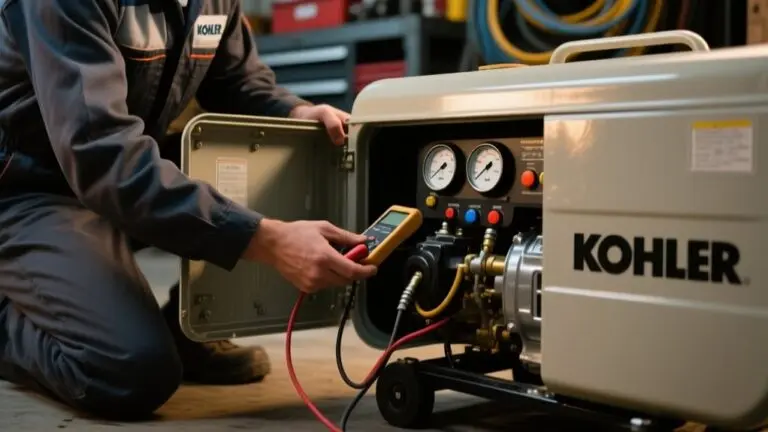
If your Kohler generator shows offline status, start by checking the circuit breaker. Reset it by switching off and on, making sure it matches your model’s rating.
Next, inspect and securely reconnect the Ethernet cable. Try testing with a replacement if needed.
You can reset network settings by unplugging the controller cable briefly. Use the KOHLER Energy Management App to monitor real-time status and run remote diagnostics.
If the problem persists, you may need professional support. Further steps will guide you through detailed troubleshooting and maintenance protocols.
Check Circuit Breaker and Reset Your Kohler Generator
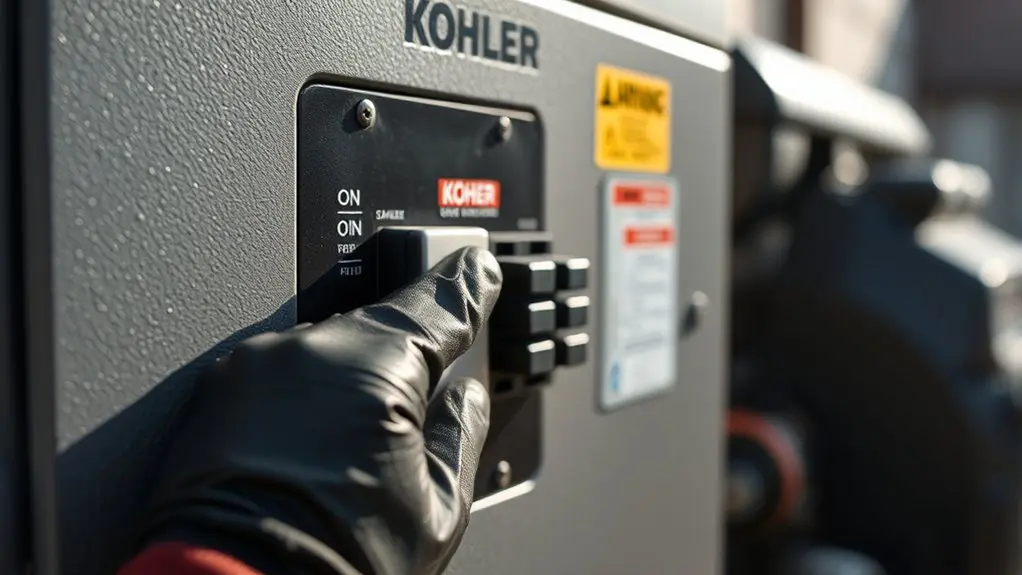
To check if your Kohler generator is offline, start by verifying the circuit breaker’s position.
First, locate the breaker panel using your Kohler Generators manual to identify the correct breaker.
Begin by consulting your Kohler Generators manual to find the appropriate breaker panel location.
Flip the breaker to “off” and then back to “on” to reset it. Confirm the breaker is properly rated for your specific Kohler generator model to prevent tripping caused by overload or short circuits.
After resetting, observe whether the generator returns online. If it doesn’t, further troubleshooting may be needed.
Regular inspection of the circuit breaker is essential to avoid unexpected downtime and maintain operational reliability.
This straightforward step is critical for diagnosing offline status and serves as a primary checkpoint in managing Kohler Generators effectively.
Verify Network Connections for Kohler Generator Offline Status
First, take a quick look at the Ethernet cable to see if there’s any visible damage.
Make sure it’s plugged in securely on both ends — that means the generator’s controller and the hub port.
After that, you’ll want to check if the hub port is working properly.
You can do this by testing it with a device or port you know works fine.
If you’re still having trouble connecting, try resetting the network settings on the generator.
This usually helps to get everything back on track and establish a stable connection.
Inspect Ethernet Cable Condition
A critical step in resolving a Kohler generator offline status involves inspecting the Ethernet cable’s condition and network connections.
Begin by examining the Ethernet cable for visible damage or wear, as any physical defects can interrupt data transmission and cause offline issues.
Confirm the cable is firmly seated in both the generator’s controller and the router to guarantee stable connectivity. If the problem persists, disconnect and reconnect the Ethernet cable at the controller to refresh the network link.
To isolate the issue, test the connection using a different Ethernet cable. This process helps determine whether the original cable is faulty and causing the offline status.
Maintaining an intact, secure Ethernet cable is essential for reliable communication between the Kohler generator and network.
Confirm Hub Port Functionality
After verifying the Ethernet cable’s condition and connections, the next step is to confirm the hub port’s functionality. This is essential for guaranteeing your Kohler Home Energy products maintain stable network communication.
Follow these steps:
- Verify the Ethernet cable is firmly connected to the hub port to eliminate loose connection issues.
- Unplug the cable and inspect it for visible damage or wear that could disrupt data transmission.
- Connect a different device to the same hub port to verify the port’s operational status.
- If the port is functional but the generator remains offline, the issue likely lies beyond the physical connection.
Regularly inspecting and maintaining these hardware connections prevents offline status caused by physical faults rather than generator malfunction.
Reset Network Settings
When your Kohler generator shows an offline status despite confirming physical connections, resetting the network settings can often restore proper communication.
Start by unplugging the network cable from the Kohler standby generator’s controller, wait several minutes, then reconnect it.
Inspect the network cable for damage or fraying, as compromised cables frequently cause connectivity failures and offline status. Confirm the Ethernet connection is securely seated in the hub port, and verify the port’s operational status.
If the generator remains offline after this reset, proceed to reset other network components like your router to isolate the issue.
User feedback indicates that network resetting consistently resolves common offline problems with Kohler standby generators, reinstating stable communication quickly and efficiently.
Troubleshoot Kohler Generator Ethernet Cable and Hub Port Issues
If your Kohler generator shows offline status, start by unplugging the Ethernet cable from the controller to reset the connection. A stable network link is essential for monitoring your generator’s energy output and performance remotely.
Next, systematically troubleshoot the Ethernet cable and hub port issues with these steps:
- Inspect the Ethernet cable for visible damage or wear that could disrupt data transmission.
- Test the hub port with another device to confirm it’s operational and not causing connectivity loss.
- Reset the generator’s network settings to clear persistent faults and re-establish the connection.
- Contact Kohler customer support if problems continue, ensuring professional assistance to maintain consistent energy management.
Following this precise approach helps restore reliable communication and energy monitoring for your Kohler generator.
Use the KOHLER Energy Management App for Status Updates
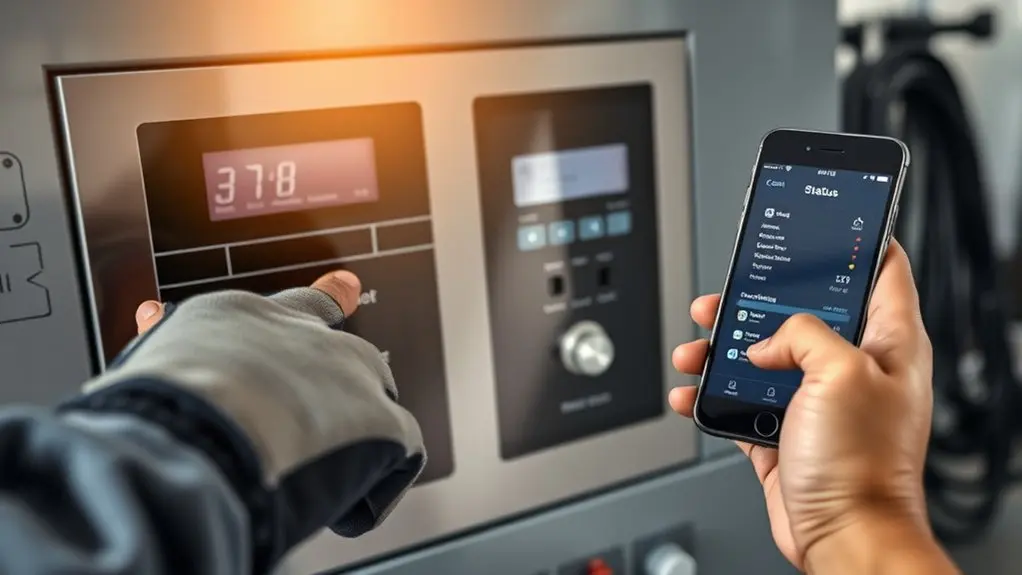
Although network troubleshooting is essential, you can leverage the KOHLER Energy Management App to receive real-time status updates and alerts on your generator’s connectivity. The app lets you remotely verify whether your Kohler generator is online or offline through its intuitive interface, eliminating guesswork.
It also provides customizable notifications that inform you immediately if your generator goes offline or experiences performance changes. Accessing historical logs within the app grants transparency into your generator’s operational history, aiding in diagnostics and maintenance planning.
Receive instant alerts and access detailed logs for better generator diagnostics and maintenance planning.
While you can schedule or initiate test cycles remotely, the focus here remains on real-time monitoring.
Using the Kohler Energy Management App enhances your ability to maintain generator readiness and swiftly address connectivity issues, streamlining your overall energy management strategy.
Run Remote Test Cycles to Restore Connectivity
Initiate remote test cycles using the KOHLER Energy Management App to troubleshoot and potentially restore your generator’s connectivity. This method lets you reset communication and verify operational status without needing on-site intervention.
To effectively run these test cycles:
- Launch the Kohler Energy Management App and select the remote test cycle option for your generator.
- Schedule regular test cycles to maintain readiness and responsiveness to remote commands.
- Monitor the app to confirm test completion; successful cycles often reset offline statuses.
- If connectivity remains unresolved, inspect network configurations or Ethernet connections, then consult Kohler support with test cycle data for targeted assistance.
Using the Kohler Energy Management App streamlines diagnostics, offering a precise, remote approach to restoring your generator’s online status.
How to Safely Inspect and Unlock Your Generator
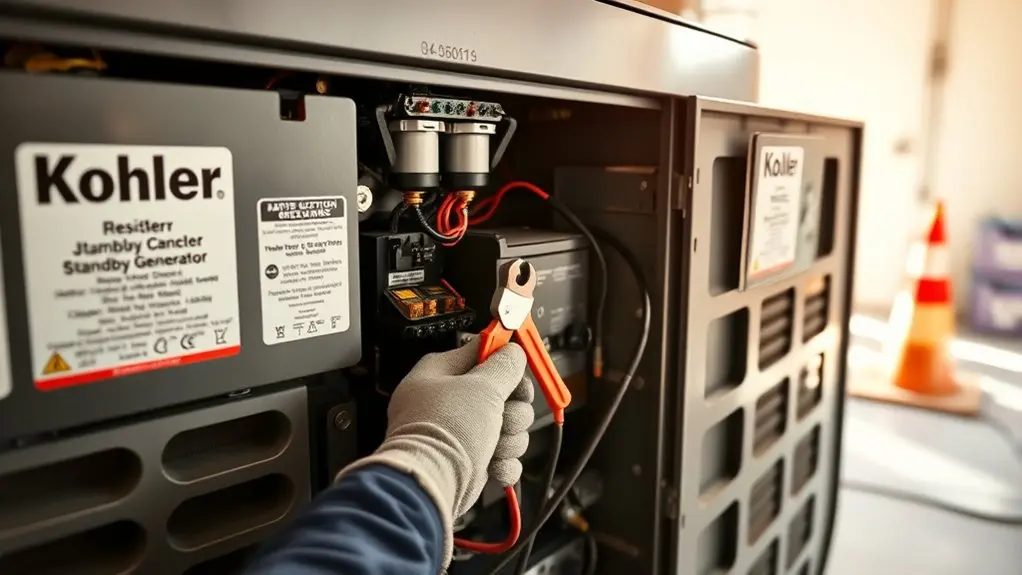
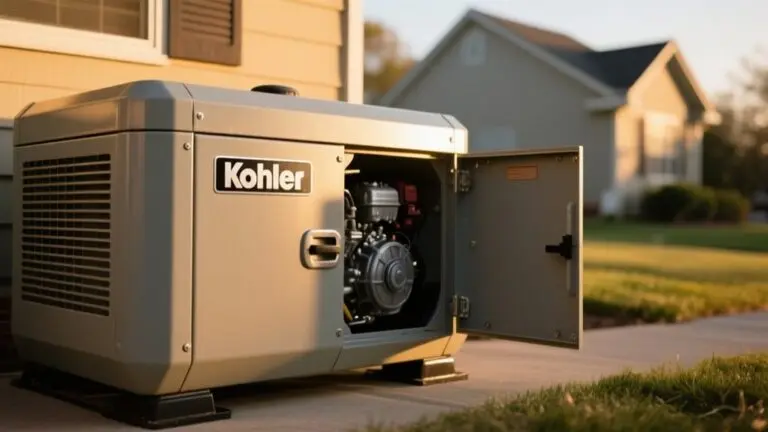
Before releasing your Kohler generator, make sure you power it off by flipping the circuit breaker to the “off” position and pressing the “off” button to eliminate any risk of electric shock.
Next, conduct a thorough visual inspection for signs of damage or wear before accessing the unit.
Use the included key or a flat head screwdriver to open the generator, following all safety precautions strictly.
If the generator was submerged, verify it’s powered off immediately to prevent further damage.
As part of your MaintenanceKohler routine, regularly check oil levels every 8-24 hours of operation depending on your model.
This precise inspection and access process safeguards both you and the equipment, maintaining operational integrity and extending generator lifespan.
Reset Network Settings on Your Kohler Generator
A straightforward way to address offline status issues on your Kohler generator is to reset its network settings. This process targets network configuration errors that often cause connectivity problems.
Follow these steps precisely:
- Unplug the network cable from the generator’s controller.
- Wait approximately 30 seconds to guarantee the system resets.
- Reconnect the network cable firmly to the controller.
- Inspect the cable for damage if the generator remains offline; replace it if necessary.
Resetting network settings is a recommended troubleshooting step by Kohler support and can resolve many offline issues effectively.
If problems persist after this reset, further diagnostics may be needed, but this method often restores proper network communication quickly and reliably.
When to Contact Kohler Support for Offline Issues
If your Kohler generator remains offline after you’ve reset the network settings and checked the Ethernet connection, it’s time to reach out to Kohler support. Persistent offline status despite verifying cables and unplugging the network cable signals a deeper issue requiring expert intervention.
When contacting Kohler support, document your troubleshooting steps and experiences to streamline diagnostics. You should create a case number for efficient tracking and follow up if the problem persists.
Reach out during customer service hours, Monday to Friday, 8:00 am to 4:30 pm CT, for timely assistance. Engaging Kohler support promptly helps identify hardware or software faults beyond routine checks, ensuring a precise resolution.
Don’t delay contacting support if your generator’s online status doesn’t restore within a reasonable timeframe after your initial efforts.
Frequently Asked Questions
How Often Should I Perform Routine Maintenance on My Kohler Generator?
You should perform routine maintenance on your Kohler generator every 8 to 24 hours of operation, depending on the model and how you use it. Regularly check oil levels, filters, and battery condition to keep performance ideal.
Furthermore, schedule an extensive service annually to inspect major components thoroughly.
Keeping detailed maintenance records helps you track issues and plan future upkeep, ensuring your generator runs reliably and extends its operational lifespan.
What Are the Signs of Low Oil Levels in the Generator?
You’ll notice low oil levels when the oil pressure warning light on your generator’s control panel illuminates, signaling insufficient lubrication.
Also, if you hear knocking or grinding noises, that means engine parts are rubbing without enough oil.
Checking the dipstick regularly is essential. Levels below the minimum mark require immediate refilling.
Studies show that running generators with low oil increases engine wear by up to 40%, so don’t ignore rough running or stalling symptoms.
Can Weather Conditions Affect My Kohler Generator’s Performance?
Yes, weather conditions can greatly affect your Kohler generator’s performance. Heavy rain, snow, and high winds may cause physical damage or disrupt connectivity.
Extreme heat risks overheating, so your generator needs efficient cooling. Ice or snow buildup can block airflow, leading to operational failures. Lightning strikes might damage electrical components and impair function.
To maintain peak performance, regularly inspect and perform maintenance. Also, use protective enclosures that suit your local climate conditions.
How Do I Properly Store My Kohler Generator During Winter?
You should store your Kohler generator during winter like protecting a delicate instrument from harsh conditions.
First, turn it off and let it cool completely.
Clean the exterior thoroughly and remove debris to prevent corrosion.
Drain the fuel tank or add a stabilizer to avoid fuel degradation.
Store it indoors in a dry, ventilated space.
Finally, disconnect the battery and keep it in a temperature-controlled environment to preserve its longevity and performance.
What Safety Precautions Should I Take When Operating the Generator?
You should always operate your generator in a well-ventilated area to prevent carbon monoxide buildup.
Never run it indoors or in enclosed spaces.
Check oil levels before starting to guarantee proper lubrication.
Avoid wet conditions to reduce electrical hazards.
Use the correct tools to release or access the unit safely, and be familiar with emergency shutoff procedures.
Keep the owner’s manual nearby for quick troubleshooting and follow all manufacturer safety guidelines strictly.
Conclusion
Just as a sudden storm disrupts a clear sky, your Kohler generator going offline can halt your power flow unexpectedly. By methodically checking your circuit breaker, verifying network connections, and resetting settings, you’ll often restore function swiftly.
If troubleshooting Ethernet cables or running remote tests don’t reconnect you, don’t hesitate to contact Kohler support. This precise approach guarantees you minimize downtime and maintain reliable power without unnecessary delays or guesswork.