How To Read Kohler Engine Codes – Full Guide
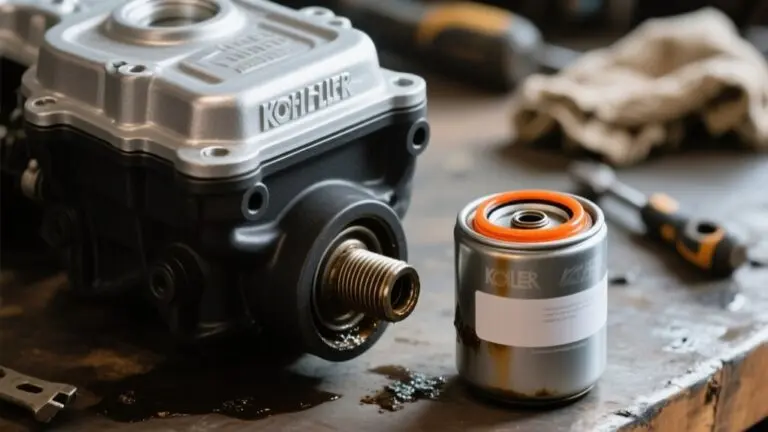
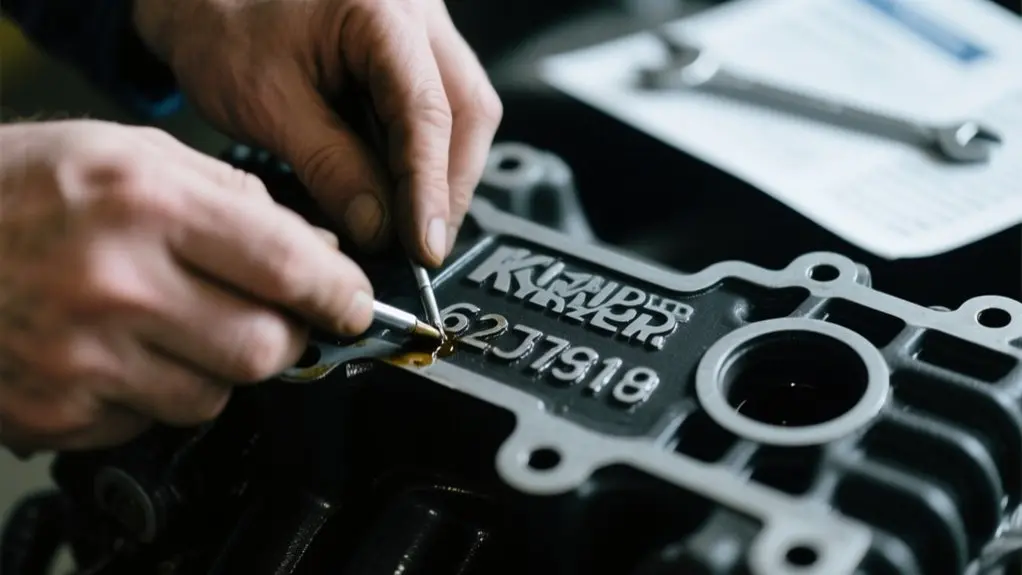
To read Kohler engine codes, first locate the engine code stamped near the starter or oil filter on the engine block. Use an EFI diagnostic tool connected to your PC via Kohler’s Electronic Interface module, then run their EFI diagnostic software.
With the ignition on, the software auto-identifies your engine and displays fault codes using SPN and FMI numbers. You can then access guided diagnostics and live data to troubleshoot and clear codes effectively.
Keep exploring to master precise diagnostics and maintenance.
Finding Your Kohler Engine Code
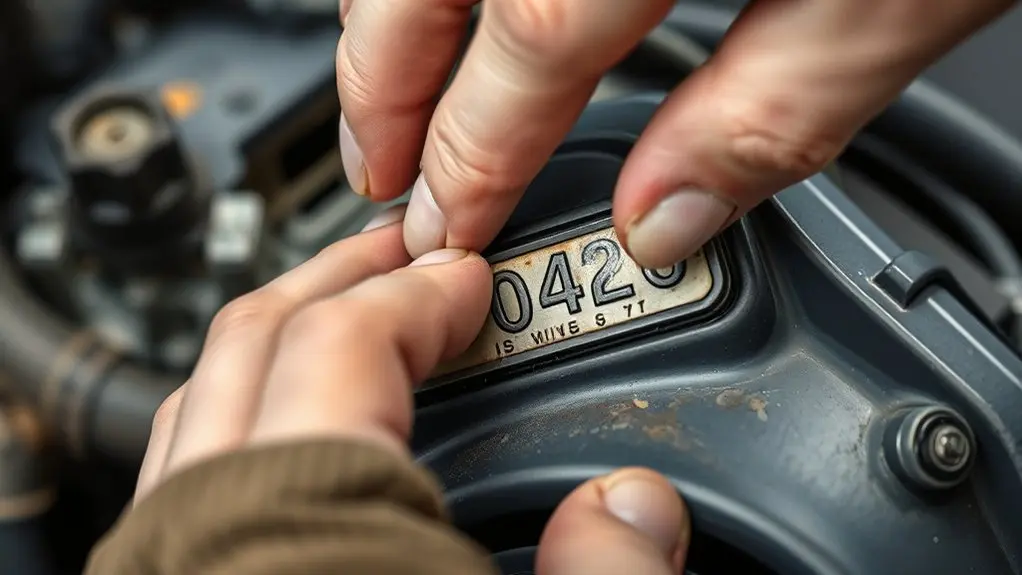
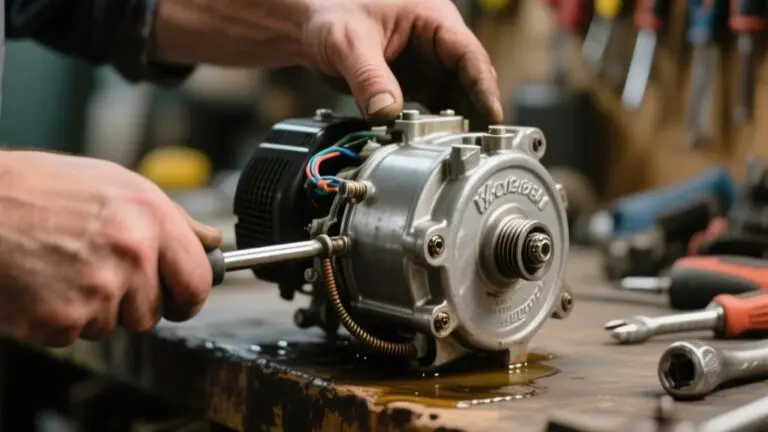
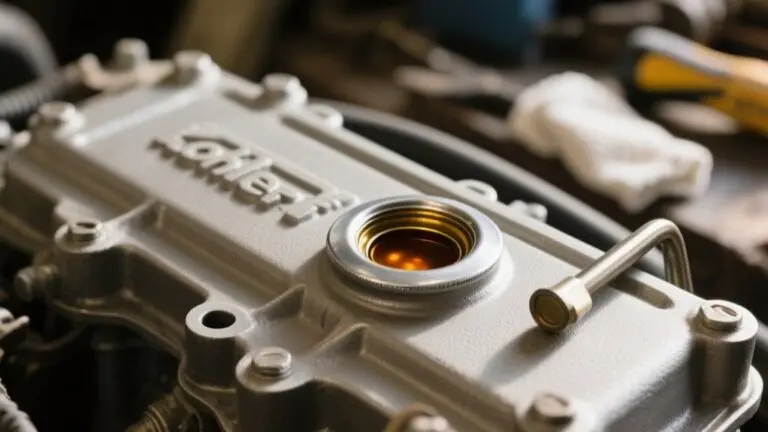
Where can you find your Kohler engine code? Typically, it’s stamped directly on the engine block, either at the front or on the side near the starter or oil filter.
This Kohler engine code is essential for identifying your engine model and spec number, which appear on the identification tag affixed to the engine. You can consult your user manual for diagrams that precisely show the code’s location, simplifying your search.
Knowing the exact Kohler engine code guarantees you order the correct replacement parts and facilitates accurate troubleshooting. Familiarizing yourself with where and how to read this code saves you time and prevents costly mistakes during diagnostics and servicing.
Always verify this code before proceeding with maintenance or repairs.
Essential Tools for Kohler Engine Diagnostics
Although diagnosing Kohler engines can be complex, having the right tools simplifies the process considerably.
To accurately identify issues, you’ll need specialized equipment tailored to Kohler Engine systems. The EFI Diagnostic tool is critical for reading trouble codes from the engine’s ECU, providing precise fault data.
Specialized equipment like the EFI Diagnostic tool is essential for pinpointing Kohler Engine ECU trouble codes accurately.
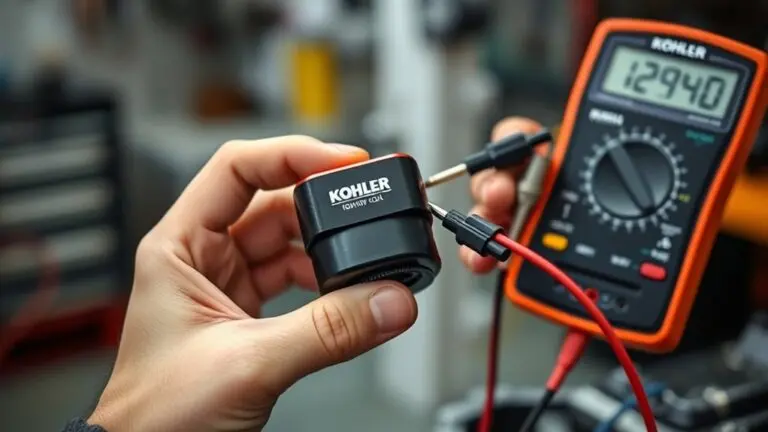
Furthermore, electrical diagnostics require a reliable multimeter to test battery voltage and wire continuity.
Mechanical assessments rely on a pressure gauge to verify fuel system integrity and a compression tester to evaluate cylinder health.
Don’t overlook basic hand tools for necessary repairs.
Key tools include:
- EFI Diagnostic tool for ECU code reading
- Multimeter for electrical testing
- Fuel pressure gauge for fuel system checks
- Compression tester for internal engine diagnostics
Connecting and Setting Up Kohler EFI Diagnostic Software
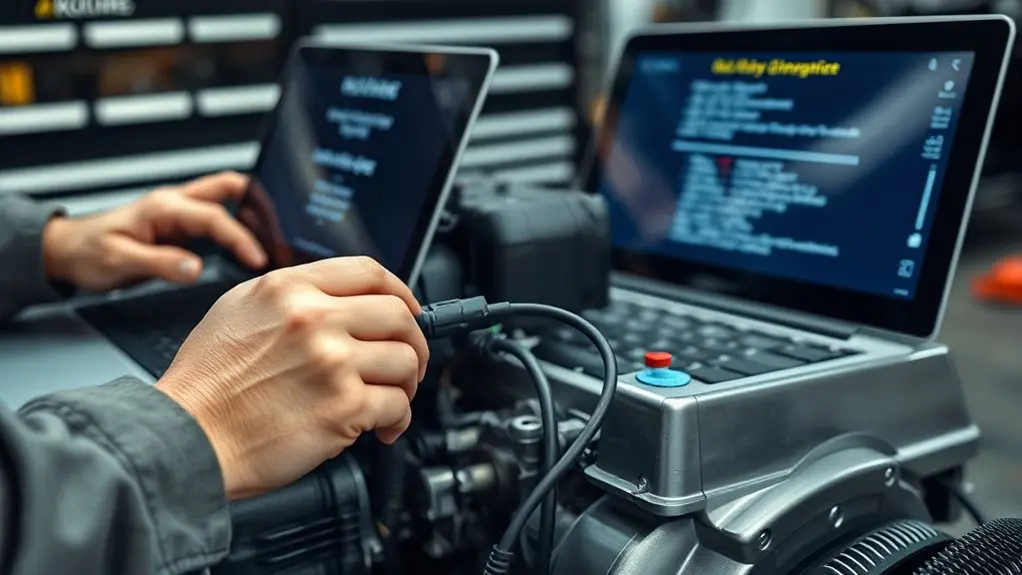
To get started, download the Kohler EFI diagnostic software installer from kohler.diagsys.com/kdt. Just follow the prompts to complete the installation on a compatible Windows 8 or newer PC that has Microsoft .NET 4.5 installed.
Once the software is ready, connect the EFI Electronic Interface module between your PC and the engine.
Then, switch the ignition to the “On” position so the communication can be enabled.
After that, check the connection status right in the software. You can use the Auto Identify feature to pick the correct engine for diagnostics, making the whole process easier.
Software Installation Process
Begin the software installation by downloading the Kohler EFI Diagnostic Software installer from kohler.diagsys.com/kdt and following the prompts in the installation wizard.
Make certain your PC runs Windows 8 or newer and has Microsoft .NET 4.5 installed. The setup will add it if missing.
After installation, launch the application, register with your email, and activate to access diagnostic functions.
Keep in mind:
- Registration limits you to five installations per license.
- Additional kits are required for more devices.
- Connect the Kohler EFI interface module via USB before launching diagnostics.
- Switch the engine ignition to ‘On’ to enable communication.
This process prepares you to fully utilize the Kohler EFI software for engine code retrieval and diagnostics.
Establishing Engine Connection
When you connect the Kohler EFI Electronic Interface module to your computer’s USB port and the engine’s diagnostic port, you enable communication between the diagnostic software and the engine’s ECU.
Next, switch the engine ignition to the “On” position to initiate data exchange.
Verify the Kohler diagnostic software is installed and running; the connection status in the application interface should confirm readiness.
Use the Auto Identify feature to detect and select the correct engine model automatically, which streamlines diagnostics.
Before proceeding, access the Preferences screen to verify ECU communication and confirm all connections function smoothly.
Establishing this precise connection guarantees accurate data retrieval and diagnosis, which is essential for effective troubleshooting of your Kohler engine system.
Retrieving and Interpreting Kohler Engine Fault Codes
Although retrieving Kohler engine fault codes requires a compatible diagnostic scanner, you can quickly access stored codes by connecting it to the engine’s diagnostic port and following the on-screen prompts.
Once you have the trouble codes, identify each code’s SPN (Suspect Parameter Number) and FMI (Failure Mode Identifier) to pinpoint specific engine issues. Compare these with Kohler’s fault code definitions to interpret the problem accurately.
Key steps to interpret trouble codes include:
- Note SPN and FMI for each code displayed
- Cross-reference codes with Kohler’s latest definitions
- Monitor related live data parameters like RPM and temperature
- Clear codes after repairs and perform retesting
This method guarantees precise diagnosis and verification of repair success without guesswork.
Using Guided Diagnostics and Live Data to Troubleshoot Codes
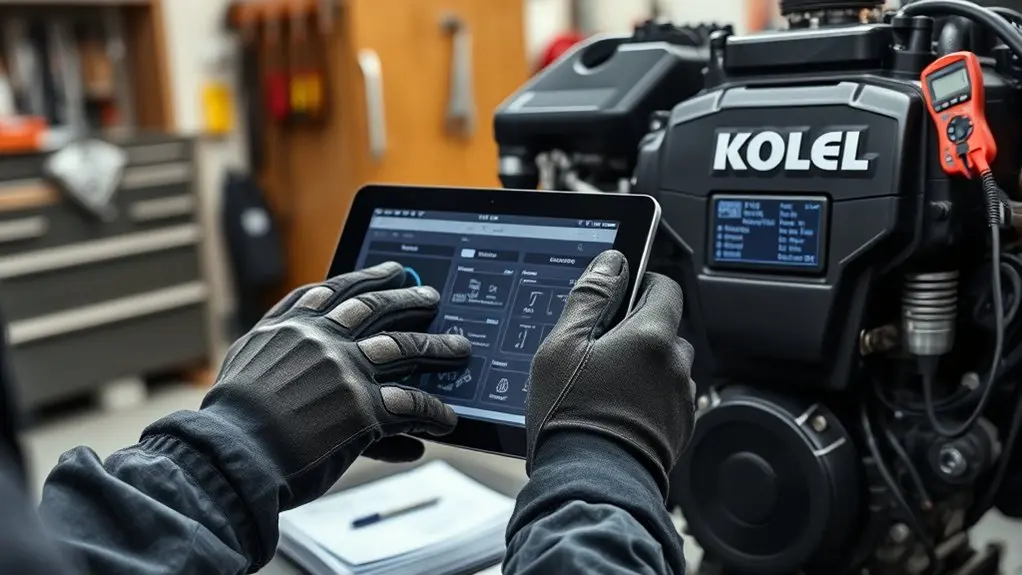
You can easily access Guided Diagnostics through the app by selecting any active trouble codes. This feature walks you through step-by-step troubleshooting instructions, making it simple to follow along.
At the same time, keep an eye on Live Data to monitor real-time engine parameters, such as fuel injector pulse width and temperature. This helps you get a precise understanding of what’s going on under the hood.
Accessing Guided Diagnostics
Several key steps guide you through accessing Guided Diagnostics on the Kohler EFI diagnostic tool.
Start by maneuvering to the Troubleshooting section and selecting the active trouble code requiring resolution.
Guided Diagnostics then offers step-by-step instructions and tests tailored to that specific fault code, streamlining your troubleshooting process.
To maximize effectiveness, verify your device has an active internet connection for real-time updates and additional resources.
Use Live Data concurrently to observe engine parameters while performing diagnostics.
Remember to:
- Access the Troubleshooting section on the EFI tool
- Select the active trouble code
- Confirm an internet connection for Guided Diagnostics updates
- Monitor Live Data alongside diagnostics for thorough analysis
This approach guarantees precise fault identification and efficient repair guidance.
Interpreting Live Data
After selecting an active trouble code in Guided Diagnostics, interpreting live data readings becomes your next step in troubleshooting.
Connect the Kohler EFI diagnostic tool to the engine’s diagnostic port to access real-time data, including fuel injector pulse width, engine temperature, voltage levels, and RPM signals.
Continuously monitor these metrics alongside trouble codes to understand component performance and isolate faults accurately.
Pay close attention to discrepancies between expected and actual data values, as they often pinpoint wiring or component malfunctions.
Use the structured guidance from the EFI system to conduct targeted tests based on fault codes, ensuring a thorough diagnosis.
This methodical approach leverages live data to complement code analysis, enhancing your ability to identify and resolve engine issues efficiently.
Troubleshooting Common Faults
To troubleshoot common faults effectively, start by connecting your Kohler diagnostic tool to the engine’s diagnostic port to retrieve stored trouble codes.
Use guided diagnostics linked to these codes to perform targeted tests, such as verifying fuel pressure and wiring continuity in the EFI system.
Analyze live data like fuel injector pulse width and engine temperature for deeper insight into engine performance.
Don’t forget to monitor both active and inactive trouble codes on the Trouble Codes screen to identify persistent issues.
- Retrieve and review stored EFI fault codes
- Perform guided tests based on code prompts
- Analyze live EFI data parameters
- Clear codes after repairs and retest
This systematic approach guarantees precise diagnosis and efficient fault resolution.
Clearing Codes and Verifying Your Kohler Engine’s Health
Navigate to the Trouble Codes screen on your diagnostic tool and press the Clear Codes button to reset any active or inactive fault codes on your Kohler engine. Once cleared, you must retest the engine to confirm the original fault no longer exists and that no new codes appear.
Use the Live Data feature to monitor key EFI parameters such as RPM, engine temperature, and fuel injector pulse width. This real-time data helps you verify that the engine operates within normal ranges and that the EFI system functions correctly.
Regularly clearing and checking codes prevents minor issues from escalating and guarantees peak engine performance.
For detailed diagnostics, click on individual codes for guided troubleshooting, noting that an internet connection might be required for full access.
Best Maintenance Practices to Keep Your Kohler Engine Running
Maintain your Kohler engine’s efficiency and longevity by following essential upkeep routines. Regular maintenance prevents premature wear and guarantees reliable performance.
Focus on these critical tasks to keep your Kohler engines operating at peak performance:
Change oil according to manufacturer guidelines to reduce engine wear and sustain performance.
Replace air filters consistently to block debris and protect internal components.
Inspect and swap spark plugs routinely for efficient ignition and to prevent misfires.
Use quality fuel and maintain the fuel system to avoid leaks and secure proper fuel delivery.
Additionally, perform routine inspections for loose parts and maintain engine cleanliness.
These steps reduce operational issues and extend your Kohler engine’s lifespan, helping you avoid costly repairs and downtime.
Frequently Asked Questions
Can Kohler Engine Codes Be Read Without the EFI Interface Module?
You can’t effectively read Kohler engine codes without the EFI interface module.
While some basic onboard diagnostics may exist, they don’t provide detailed fault codes or thorough analysis.
To accurately diagnose issues, you need the EFI module’s specialized software and connection capabilities.
Relying on manuals alone won’t give you specific error codes, and guessing without the module can lead to misdiagnosis and incomplete troubleshooting.
How Often Should I Update the Kohler Diagnostic Software?
You should update the Kohler diagnostic software at least once a year to guarantee compatibility with new engine models and fault codes.
Also, update it whenever you perform significant engine maintenance or notice new diagnostic features.
Subscribing to Kohler’s update notifications helps you stay informed about critical improvements, bug fixes, and interface enhancements.
These updates streamline troubleshooting and improve accuracy in reading engine codes.
Are Kohler Engine Codes Compatible With Other Diagnostic Tools?
You wouldn’t use a rotary phone to send a text, and similarly, Kohler engine codes aren’t fully compatible with generic diagnostic tools. While some OBD II scanners might catch basic codes, only Kohler-approved diagnostic equipment lets you access all fault codes, SPN, and FMI numbers accurately.
To diagnose properly and avoid incomplete readings, you need specialized Kohler software or tools designed specifically for their engine data protocols and live diagnostics.
Can I Access Kohler Engine Codes on a Mobile Device?
You can’t access Kohler engine codes directly on a mobile device because the diagnostic interface requires a USB connection to the EFI module.
Mobile devices don’t support this connection. Instead, you’ll need a Windows 8 or newer PC with the Kohler Diagnostic Tool installed.
This setup lets you retrieve codes and live data. Mobile devices lack the necessary hardware and software integration to communicate with Kohler engines for code reading.
What Do I Do if the Diagnostic Software Crashes During Use?
If your diagnostic software crashes during use, first restart it and reconnect to the engine’s ECU.
About 35% of crashes happen because of temporary glitches.
Make sure your PC meets the requirements like Windows 8 or higher and .NET 4.5. Also, check all USB connections to ensure they’re stable.
If the software keeps crashing, reinstall the latest version from Kohler’s site.
Finally, contact Kohler technical support with your system details and error messages for further help.
Conclusion
Now that you know how to read and interpret Kohler engine codes, you’re equipped to diagnose issues quickly and accurately. With the right tools and software, troubleshooting becomes straightforward, saving you time and preventing costly repairs.
Why leave your engine’s health to chance when you can monitor it precisely? Stay proactive with regular maintenance, clear codes promptly, and keep your Kohler engine running at peak performance every time.